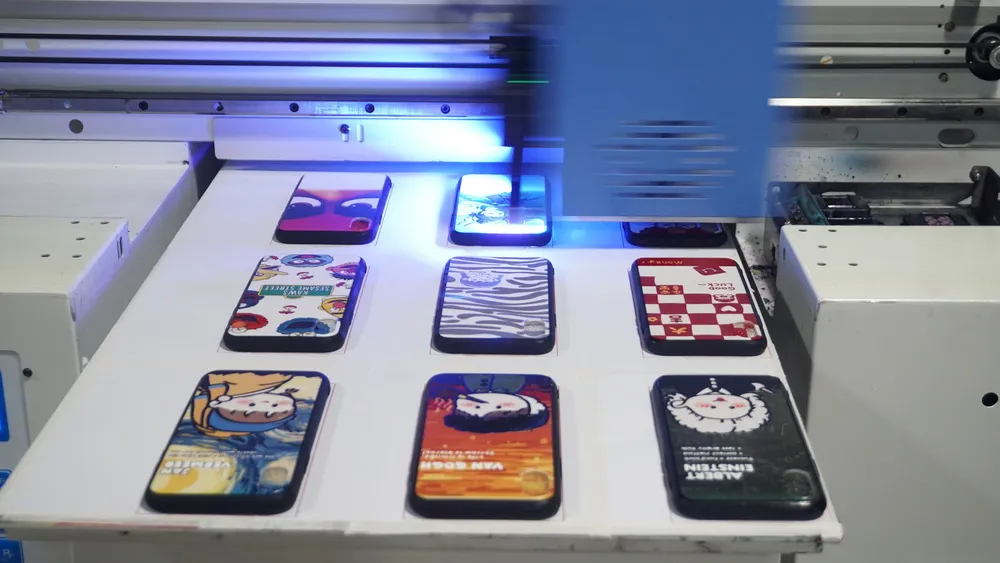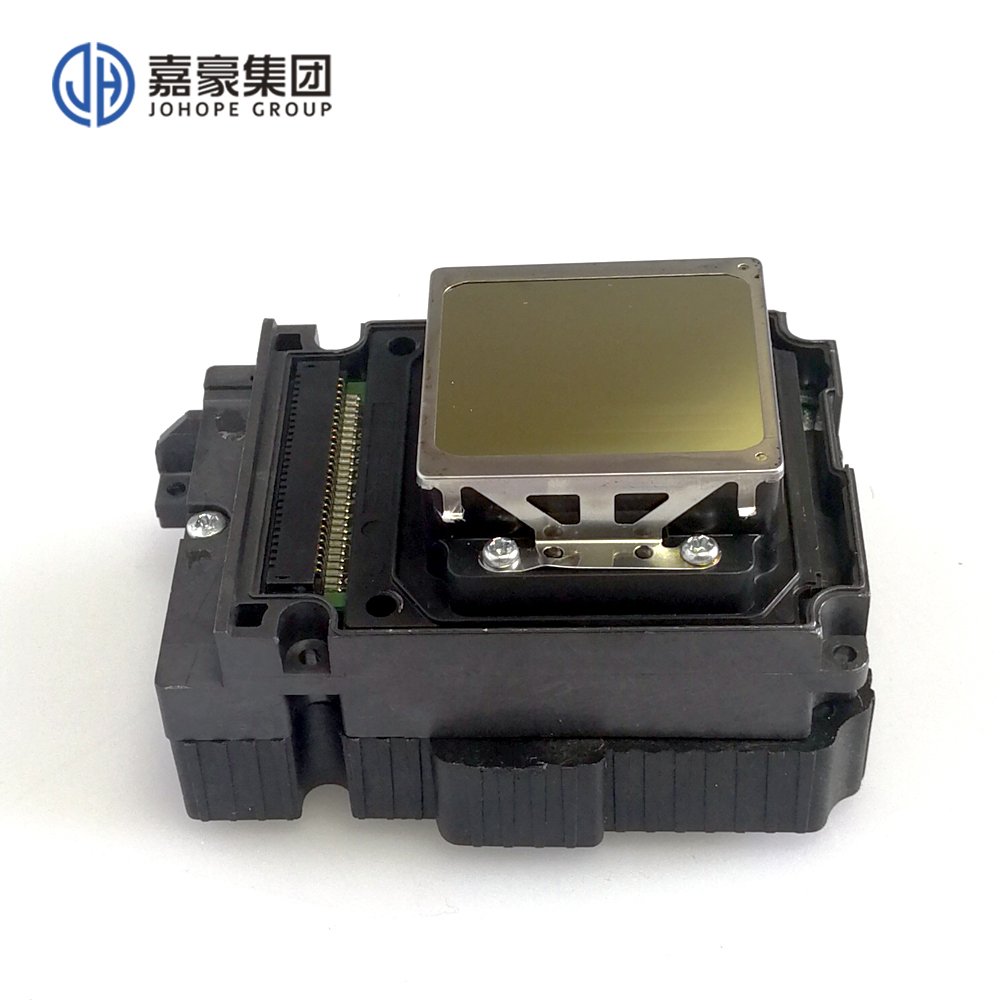
For inkjet printing equipment, the printhead is the key factor of equipment maintenance and normal print output, and because the import price is not cheap, a little careless may cause damage to bear the huge cost, so master the basic knowledge of UV printer printhead for production and processing benefit a lot.
Three Common Measures to Avoid Printhead Damage
The following are three common measures, which directly or indirectly affect the state of UV printer printhead.First, the power UV printer in the process of power supply, may need to be removed, installed, cleaning operation, for your safety and equipment stability, please first power off and then carry out effective operation, do not carry out a wide range of operation and replacement in normal work, will affect the control of UV printer and ink system, Indirectly, the stability of UV printer printhead is reduced and the plug is burned.
In the cleaning process, first power and then careful cleaning, do not splash the ink cleaning liquid on the circuit board and precision electronic accessories, so as not to cause a short circuit endangering the UV printer printhead.
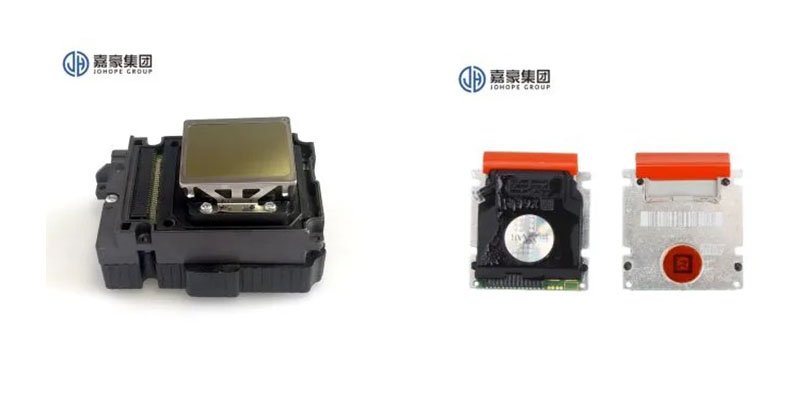
Second, UV ink and cleaning fluid
UV printer using UV ink and cleaning solution is very “critical”, the quality of ink is not good enough to agitate the ink road caused by blocking crisis; The mixed use of different ink brands will lead to poor print image effect, which does not meet the printing needs of color difference; Inferior cleaning solution not only will not clean the printhead’s ink but also will corrode the printhead for a long time. So choose UV ink and cleaning liquid as far as possible to choose the manufacturer of matching ink, after-sales maintenance is guaranteed.
Third, the cleaning method
UV printer as more mature digital printing equipment, a set of maintenance UV printer printhead cleaning system, generally speaking, is sufficient, but sometimes need manual cleaning operation complementary to play a full range of protection measures. UV printer automatic cleaning process, as far as possible to ensure a day of cleaning, does not frequent cleaning and long time stagnation, to avoid excessive corrosion and ink solidification phenomenon.
In the process of manual cleaning, do not use ultrasonic and high-pressure water gun cleaning, which will cause some impact on the sprinkler head. It is recommended to use a syringe to rinse slowly, which can minimize the wear of the sprinkler head.
Two Tips for UV Printer Printhead Maintenance
Try to choose the manufacturer's original sprinkler head, For small format UV9060 printer choose TX800 or Epson other oily sprinkler heads, for large format UV printer choose Ricoh G5 and other industrial sprinkler heads.In the process of UV printer installation training, the maintenance and cleaning steps of the sprinkler head need to be carefully understood and practiced, to extend the service life of the sprinkler head.