
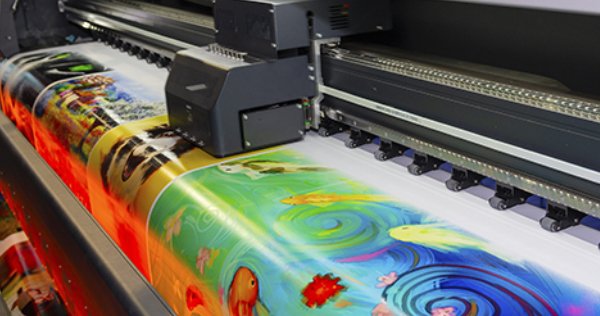
Entering winter, many inkjet printer users have reported that problems such as disconnection and ink flying during the printing process are significantly more frequent than at other times. Why is this? In this issue, we will explain the reasons for this problem and how to improve it.
We mentioned above that this problem is more obvious in winter and is a seasonal problem, which is related to my country's winter climate. The distinctive features of the winter climate are low temperature and low humidity. These two "double lows" will have a greater negative impact on the continued stability of inkjet printing.
Effect of Low Humidity
The humidity in winter is low, the climate is dry, and static electricity is high in a dry environment, which can easily cause the ink dots to deviate during the inkjet printing process, causing the ink to fly. Another problem is that the ink solvent is a volatile liquid, and the ink solvent evaporates quickly in a dry environment. It speeds up, causing the ink on the surface of the printhead to dry out, resulting in poor standby performance or even printhead clogging, and it is easy to cause problems such as disconnection during the printing process.
Effect of Low Temperature
The temperature is low in winter. The most direct impact is the change in ink viscosity caused by temperature changes. The lower the temperature, the greater the viscosity of the ink. The greater the viscosity, the worse the fluidity of the ink. The worse ink fluidity can easily lead to poor ink supply and disconnection during high-speed printing. Another problem is the low temperature in winter and the ink storage environment. If the ink is stored in a low-temperature environment, the viscosity of the ink will increase, and if it is added directly to the printer, it will easily cause disconnection problems.
How to Improve and Avoid
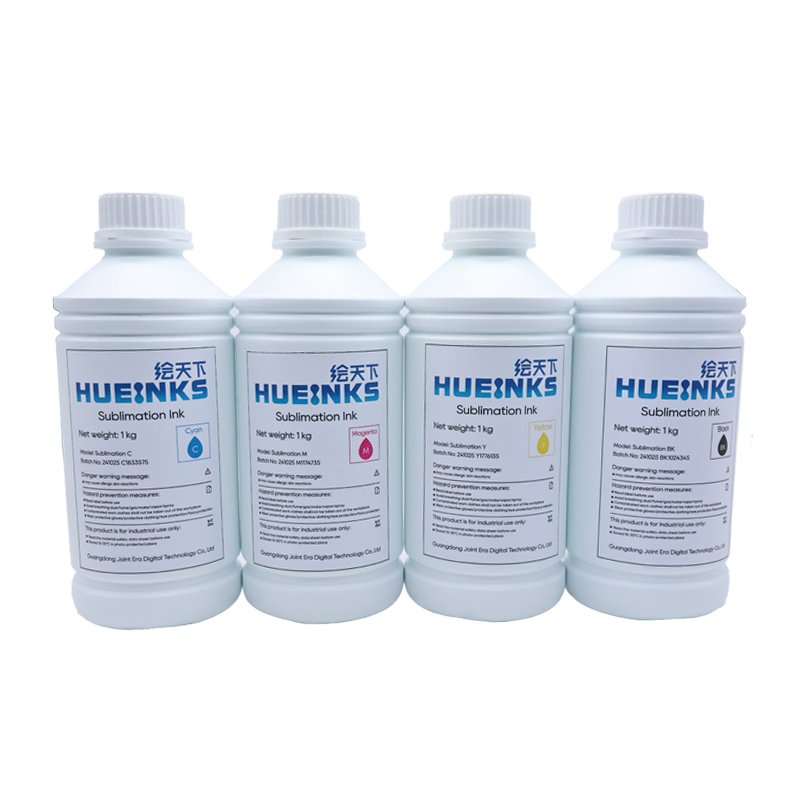
Through the above analysis, we know that inkjet printing in winter is prone to problems such as printing disconnections and ink flying, mainly caused by low temperatures and low humidity. One way to solve this problem is to increase the ambient temperature and humidity through air conditioners, humidifiers, etc., to maintain a normal printing environment; the other is to use good-quality ink. Good-quality ink will fully consider the impact of changes in temperature and humidity on ink performance and conduct detailed tests on the environmental adaptability of the ink. Improving the use environment and choosing good quality ink can avoid this problem and reduce unnecessary troubles in the daily printing process.


