
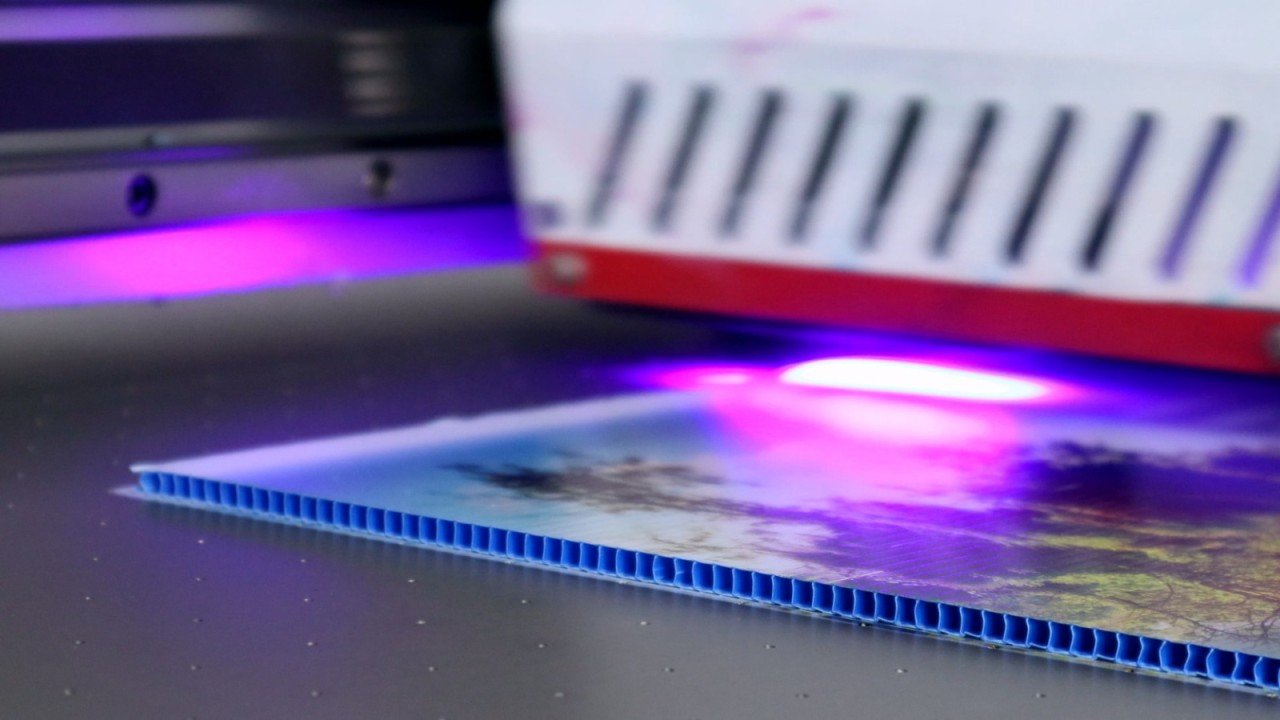
UV printing technology is widely used in advertising, packaging, decoration, and other fields due to its high efficiency, environmental protection, and strong adaptability. However, in actual operation, users may encounter some common problems that affect printing quality and efficiency. The following summarizes common problems in UV printing and their solutions, hoping to help everyone better solve the problems and ensure the smooth progress of printing work.
Printhead-Related Issues
1. Printhead blockage
Phenomenon: Printhead blockage usually manifests as broken lines, color difference, or missing parts of the printed pattern, which seriously affects the printing quality.
Solution: Regular cleaning of the printhead is a key measure to prevent and solve blockage. Use the cleaning fluid or special cleaning agent provided by the manufacturer for cleaning. If necessary, ultrasonic cleaning can be used to completely remove the blockage.
2. Ink dripping/leaking from the printhead
Phenomenon: Ink dripping or leaking from the printhead will cause ink to drip, contaminate the printed material, and affect the neatness and aesthetics of the pattern.
Solution: First, check whether the pressure of the ink supply system is balanced. If the pressure is unstable, it needs to be adjusted. Secondly, check whether the sealing ring of the printhead is aging or damaged. If there is a problem, replace it in time. Finally, calibrate the negative pressure value to ensure that the printhead maintains an appropriate negative pressure state during operation to prevent ink leakage.
3. Nozzle deviation
Phenomenon: Nozzle deviation will reduce printing accuracy, resulting in blurred patterns and unclear lines, affecting the overall visual effect.
Solution: Adjust the height of the printhead to ensure the appropriate distance between the printhead and the printing material. At the same time, check the alignment of the printhead. If there is any deviation, calibrate it in time to ensure the accuracy.
Print Quality Issues
1. Blurred or ghosting patterns
Phenomenon: Blurred or ghosting patterns may be caused by a variety of factors, such as improper printhead height, poor ink absorption of materials, or airflow.
Solution: Lower the printhead height to keep the distance between the printhead and the material within the optimal range. Avoid strong airflow directly blowing on the printing area, and set up windshields around the printing equipment. Choose suitable printing materials, ensure that the materials have good ink absorption performance, and recalibrate the printhead to improve printing accuracy.
2. Wire drawing or edge splashing
Phenomenon: Wire drawing or edge splashing is usually caused by printhead obstruction, hair accumulation or improper printhead setting, which will make the edge of the pattern uneven and cause excess ink.
Solution: Clean the nozzle carefully to remove any hair or impurities that may exist. Carefully check the ink supply channel and negative pressure setting to ensure that the ink flows smoothly and the printhead working parameters are correct.
3. Uneven or misaligned colors
Phenomenon: Uneven or misaligned colors may be caused by poor ink quality, improper color management, or incorrect print settings, which will cause the color performance of the printed pattern to be inconsistent with expectations and affect the visual effect.
Solution: Replace high-quality ink to ensure stable ink performance. Adjust the color management system and perform color calibration on the printing device to ensure color accuracy and consistency. Carefully check the print settings to ensure that all parameters are correct.
Ink-Related Issues
1. Poor ink adhesion
Phenomenon: Poor ink adhesion can cause stains, peeling or ink failure, affecting the durability and aesthetics of the pattern.
Solution: Choose ink that is highly compatible with the substrate and conduct sufficient testing to determine the best match. Before printing, use a pre-treatment solution to treat the surface of the material to enhance the adhesion of the ink.
2. Ink interruption
Phenomenon: Ink interruption means that a single printhead does not produce ink, which will cause incomplete patterns and affect printing quality.
Solution: First press the printhead to try to restore ink flow. If it does not work, clean the ink cartridge to clear possible blockage. Check and adjust the operating voltage to ensure that the printhead operates within the appropriate voltage range. Finally, replace high-quality ink to avoid interruption due to ink quality problems.
Equipment Maintenance and Troubleshooting
01. UV lamp aging or insufficient power
Phenomenon: UV lamp aging or insufficient power will affect the curing effect of the ink, resulting in incomplete curing of the pattern, prone to scratches or falling off.
Solution: Replace the UV lamp regularly and follow the replacement cycle recommended by the equipment manufacturer. In daily use, regularly check the operating status of the curing system to ensure that the UV lamp is working properly.
2. The carriage is unstable or has problems with the guide rails
Phenomenon: Unstable carriage operation or problems with the guide rails may cause printing dislocation or blurred patterns, affecting the stability of printing quality.
Solution: Check whether the guide rails are level and adjust them in time if there are deviations. Clean the encoder strip regularly to remove dust and impurities to ensure smooth operation of the carriage. Lubricate the guide rails to reduce friction resistance and improve operational stability.
3. Data transmission error or garbled characters
Phenomenon: Data transmission error or garbled characters may be caused by a loose data cable or fiber failure, which will cause an abnormal printing pattern and fail to complete the printing task normally.
Solution: Reconnect the data cable to ensure that the connection is firm and reliable. If necessary, replace the fiber or test related components to eliminate the fault point and ensure the accuracy of data transmission.
Other Common Problems
1. Printing too fast leads to poor results
Phenomenon: Printing too fast may cause incomplete curing of the ink, poor pattern effect, and affect the final printing quality.
Solution: According to the complexity of the material and pattern, reasonably adjust the printing speed to ensure that the ink has enough time to cure.
2. Improper surface treatment of materials
Phenomenon: Improper surface treatment of materials will lead to poor ink adhesion, easy detachment of patterns, and affect the service life of signs.
Solution: Before printing, carefully clean the surface of the material to remove dust, oil and other impurities. If necessary, perform surface treatment such as grinding and chemical treatment to improve the adhesion of the material surface.
3. Excessive environmental humidity
Phenomenon: Excessive environmental humidity will affect the drying and curing effect of ink, resulting in blurred patterns, dim colors, and other problems.
Solution: Control the humidity of the working environment and use dehumidification equipment to maintain the humidity within an appropriate range. It is generally recommended to keep the humidity between 40%-60%.
Notes for Newbies
For newbies, the following points should be noted when operating UV printers:
1. Adjust the printhead height: According to the material thickness and printing requirements, adjust the printhead height to a suitable position to ensure the printing quality and avoid the printhead colliding with the material.
2. Calibrate the printhead: Calibrate the printhead regularly to ensure the accuracy of printing and the clarity of the pattern.
3. Choose the right ink and material: According to the requirements of the printing project, choose high-quality ink and material with good compatibility with the equipment to improve the printing effect and extend the service life of the equipment.
4. Avoid long-term continuous work: Long-term continuous work may cause the equipment to overheat and increase the risk of failure. It is recommended to rest the equipment properly during long-term printing tasks for heat dissipation and maintenance.


