
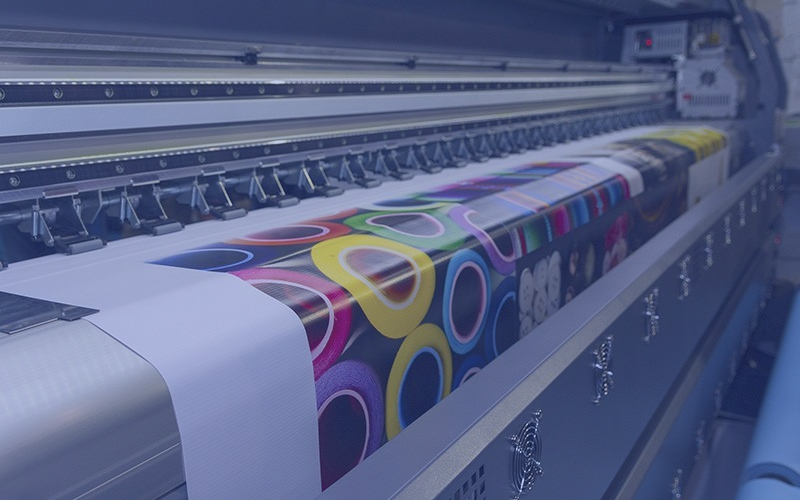
Wide-format printers are high-precision, continuous-production machines. Their stability depends not only on hardware quality but also heavily on correct operation habits and systematic maintenance. Most common issues—such as ink dropouts, banding, misalignment, and printhead clogging—are not sudden failures, but the result of accumulated improper usage.
This guide provides a structured, end-to-end maintenance framework covering operation discipline, machine upkeep, ink system maintenance, printhead care, and long-term storage protection.
Proper Operation: The First Line of Machine Protection
Incorrect operation is one of the most common hidden causes of equipment damage.
1. Static Electricity Control Is Critical
Wide-format printing systems are highly sensitive to static electricity. Proper grounding must be completed during installation. In dry environments, static discharge may directly damage printhead circuits.
2. Always Power Off Before Maintenance
Before touching the printhead, carriage board, or control system:
- Turn off the main power supply
- Apply anti-static protection measures
- Avoid any live operation
3. Keep the System Environment Clean
- Regularly clear output files
- Ensure sufficient hard drive space
- Avoid running heavy software during printing
System overload may cause data interruption or print errors.
4. Do Not Transfer Files During Printing
Sending files to the printer while it is operating can cause:
- Data corruption
- Print interruption
- Color or alignment errors
5. Avoid Random System Parameter Changes
Do not modify driver or motion parameters unless necessary. Incorrect adjustments may lead to:
- Feeding inaccuracies
- Image stretching
- Printhead misalignment
6. Regular Mechanical Inspection
Check key components frequently:
- Cable drag chain wear
- Belt tension condition
- Rail smoothness
- Motor noise or vibration
Abnormal sounds are often early warning signs of mechanical wear.
7. Media Feeding Adjustment
Improper material tension may cause:
- Horizontal banding
- Step errors
- Media scratching
Machine Maintenance: Keeping the System Clean and Stable
The core principle of machine maintenance is simple:
Prevent dust and contaminants from entering critical components.
1. Maintain a Clean Working Environment
Since nozzle openings are extremely small, airborne dust can easily cause clogging. Therefore:
- Keep the workspace clean and dust-free
- Avoid smoke, fibers, and oil mist
- Maintain stable temperature and humidity
2. Internal Cleaning Routine
Regular cleaning is essential:
- Always power off before cleaning
- Clean exterior with soft cloth and water
- Use lint-free cloth or alcohol wipes for internal cleaning
- Focus on rails, encoder strips, and mechanical structures
3. Lubrication and Mechanical Care
- Regularly lubricate guide rails and bearings
- Ensure smooth carriage movement
- Avoid dry friction operation
4. Ink Filtration System Maintenance
Filters in the ink system must be inspected regularly:
- Slow ink flow → possible clogging
- Frequent missing nozzles → check filters first
Replace filters when necessary.
Ink Supply System: The Lifeline of Print Stability
Ink supply issues are one of the main causes of clogging and printhead failure.
1. Ensure Air-Tight Connections
All ink pathways must be sealed:
- No loose tubing connections
- No leaking cartridges or tanks
- No air bubbles inside tubes
Air intake is a major cause of ink starvation and dropouts.
2. Prime Ink Before Printhead Activation
Ink not only provides color but also cools the printhead during operation. Dry firing may lead to:
- Overheating
- Nozzle drying
- Permanent clogging
3. Replace Filters Regularly
When ink supply slows down, always check filters before suspecting printhead damage.
4. Protect the Printhead During Operation
- Use protective covers during printing
- Avoid direct exposure to ink mist
- Keep ink pathways clean and stable
Printhead Maintenance: The Core of Equipment Longevity
The printhead is the most precise and expensive component of the system.
1. Daily Usage Rules
- Never touch electrical connectors
- Avoid contamination of ink ports
- Ensure proper alignment during installation
- Maintain adequate heat dissipation
Static electricity protection is essential during handling.
2. Daily Shutdown Maintenance (Mandatory)
After each working day:
- Turn off the power
- Clean the capping/humidifying system
- Return carriage to cleaning position
- Ensure tight contact with the moisturizing pad
- Maintain sealed, humid conditions overnight
This step is critical to prevent nozzle drying.
3. Handling Minor Clogging
If missing lines appear during printing:
- Pause immediately
- Perform light suction or flushing
- Resume printing after recovery
Early intervention prevents severe blockage.
4. Moderate Clogging Treatment
Use syringe flushing:
- Inject cleaning solution from the ink inlet
- Apply controlled pressure
- Check if the nozzle pattern recovers
5. Severe Clogging Recovery
When standard methods fail:
- Soaking Method
- Soak the nozzle base in a dedicated cleaning fluid
- Avoid electrical contact
- Leave for several hours or overnight
- Ultrasonic Cleaning (Caution Required)
- Use short cycles only
- Limit cleaning time strictly
- Avoid repeated excessive exposure
- Injection Testing
- Check if the ink lines become straight
- Repeat if necessary
6. Long-Term Shutdown Protection (Critical)
If the printer will not be used for more than 48 hours:
- Fully clean ink system
- Flush the printhead with cleaning solution
- Keep internal moisture balance
- Seal and store in a clean container
Key principle: Never allow ink to dry inside the printhead.
5. Key Factors Affecting Printhead Lifespan
Printhead durability depends on multiple conditions rather than a single factor.
Environment
Cleaner environments with stable humidity significantly extend printhead life.
Ink Quality
Low-quality ink may cause:
- Viscosity instability
- Sedimentation
- Nozzle corrosion
Always use compatible, tested ink systems.
Operational Habits
- Avoid frequent aggressive cleaning
- Avoid dry firing
- Avoid unnecessary disassembly
Maintenance Discipline
Effective maintenance is proactive, not reactive:
- Daily cleaning routines
- Regular inspection
- Early clog prevention
Conclusion
Wide-format printer maintenance is not a single task—it is a structured system.
A stable printing system depends on:
- Correct operation habits
- Clean working environment
- Reliable ink delivery system
- Consistent printhead care
When properly maintained, the equipment can deliver:
- Higher stability
- Longer printhead lifespan
- Reduced downtime
- Lower maintenance costs
Ultimately, maintenance is not just upkeep—it is the foundation of long-term production reliability.


