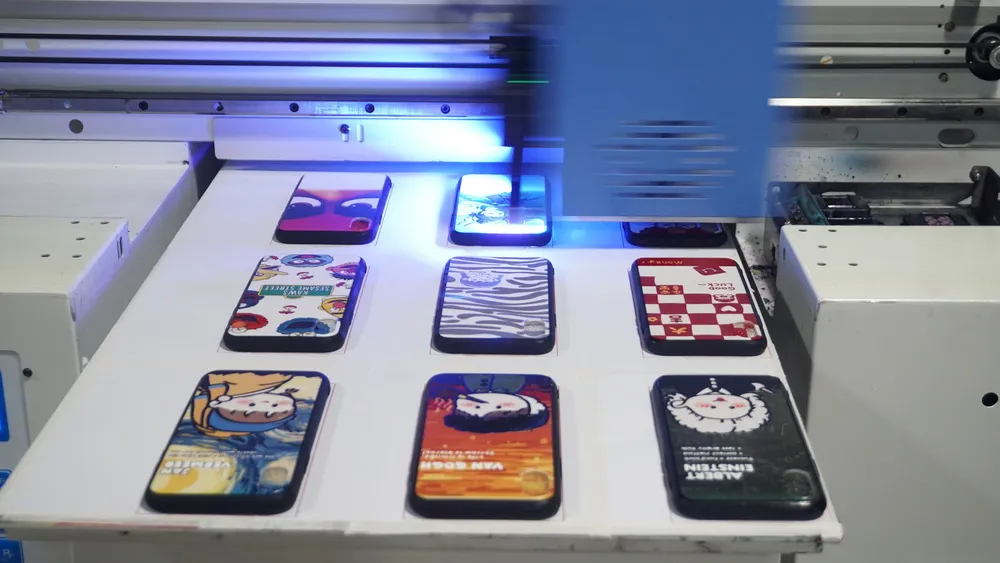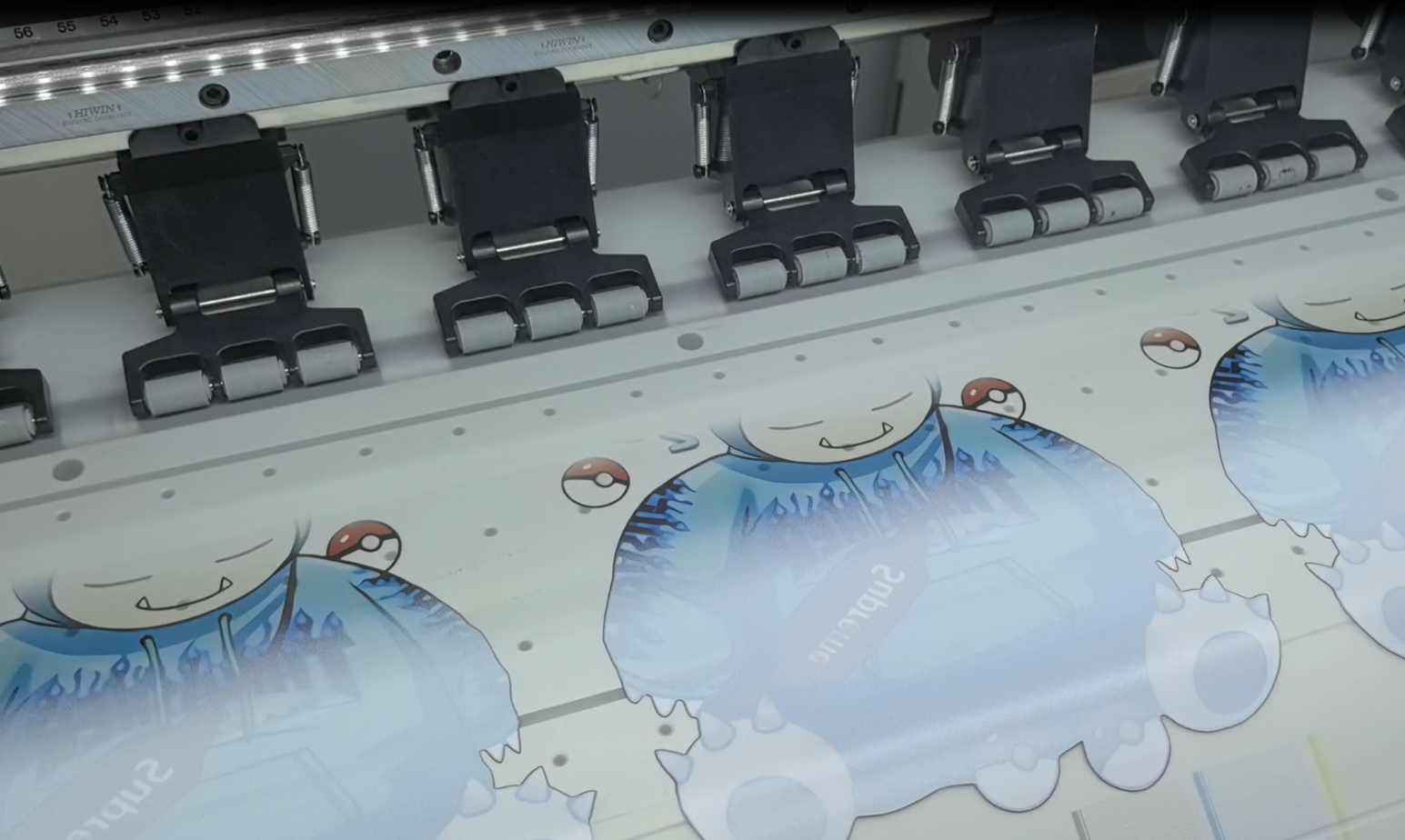
As customized apparel and short-run production continue to grow, DTF (Direct to Film) printing has become one of the most popular digital printing solutions in the textile and garment industry. Its advantages — vibrant colors, wide material compatibility, and flexible production — make it ideal for both small workshops and industrial-scale operations.
However, many users still struggle with issues such as:
- White ink separation
- Ink smudging or overflow
- Unstable ink performance and image distortion
- Transfer film feeding problems or film jams
These problems not only affect print quality, but can also lead to wasted materials, production delays, and expensive printhead maintenance.
In reality, most DTF printing failures are not caused by the printer itself. They are often related to ink circulation, environmental conditions, consumable compatibility, or insufficient daily maintenance.
In this article, we’ll break down the most common DTF printing issues, explain their root causes, and provide practical solutions to help you achieve more stable printing and higher production efficiency.
1. White Ink Separation: One of the Most Common DTF Printing Issues
White ink plays a critical role in DTF printing because it serves as the base layer for color graphics. Its stability directly affects opacity, color brightness, and print consistency.
Unfortunately, white ink is also the most likely ink to settle and separate.
Why Does White Ink Separate?
Compared with CMYK inks, white ink contains heavier pigment particles such as titanium dioxide. When the printer sits idle for long periods, these particles naturally settle at the bottom of the ink system.
This can result in:
- Uneven ink density
- Poor white coverage
- Nozzle clogging
- Ink flow instability
- Inconsistent print quality
The problem becomes more severe during overnight shutdowns, holidays, or cold environments.
Common Signs of White Ink Sedimentation
You may notice:
- Weak or grayish white printing
- Inconsistent color density
- Missing nozzles in nozzle checks
- Heavy buildup inside white ink filters
- Frequent white ink interruptions
Solutions for Preventing White Ink Separation
Regularly Shake and Mix White Ink
Always shake white ink thoroughly before use.
For better consistency:
- Use an electric ink mixer when possible
- Circulate the ink before printing after long downtime
- Avoid violent shaking to prevent air bubbles from entering the ink system
Install an Automatic White Ink Circulation System
For high-volume production environments, automatic circulation systems are highly recommended.
Common solutions include:
- White ink circulation systems
- Ink tank stirring systems
- Automatic timed agitation devices
These systems help keep pigments evenly suspended and greatly reduce sediment buildup.
Maintain the Ink Supply System Regularly
Besides the printhead, users should also inspect:
- Dampers
- Ink filters
- Ink tubes
- White ink return lines
A clogged filter can restrict ink flow even if the ink itself is still usable.
Replacing white ink filters regularly is essential for long-term printhead protection.
2. Ink Smudging or Overflow: Why Do Prints Become Dirty?
Many DTF users encounter problems such as:
- Blurry image edges
- Ink splatter
- Dragging ink marks
- Dirty transfer results after heat pressing
These issues are usually related to printhead condition, environmental factors, and incorrect print settings.
Main Causes of Ink Smudging and Overflow
Printhead Problems
If the printhead has:
- Partial nozzle clogs
- Deflected spray patterns
- Incorrect head alignment
- Improper printhead height
it can easily cause overspray, ink misting, or dripping.
Unstable Temperature and Humidity
DTF printing is highly sensitive to environmental conditions.
Low temperatures or high humidity can slow down ink curing and drying speed, leading to:
- Ink accumulation
- Smearing
- Poor powder adhesion
- Surface contamination
Recommended working conditions:
- Temperature: 20°C–28°C
- Humidity: 45%–65%
Incorrect Ink Volume Settings
Some operators increase ink density excessively to achieve more vibrant colors.
However, excessive ink output may result in:
- Slow drying
- Ink spreading
- Uneven powder adhesion
- Dirty edges and overflow
How to Reduce Ink Smudging and Overflow
Perform Daily Printhead Maintenance
Before daily production, it is recommended to perform:
- Nozzle checks
- Automatic cleaning
- Printhead alignment calibration
Small nozzle issues should be solved immediately before they become serious.
Adjust Printhead Height Properly
If the printhead is too high:
- Ink misting becomes more likely
If it is too low:
- The head may scratch the film surface
Maintaining the proper gap between the printhead and film is critical for clean output.
Optimize Drying and Curing Settings
Different films, inks, and powders require different curing conditions.
Insufficient curing may cause:
- Ink migration
- Dirty transfers
- Weak adhesion
Excessive heat may lead to:
- Yellowing
- Film deformation
- Adhesive layer damage
Testing small batches before mass production is always recommended.
3. Unstable Ink Performance and Image Distortion
Some users experience:
- Inconsistent colors
- Blurry images
- Faded transfers
- Grainy textures
In many cases, the real issue is consumable compatibility rather than printer hardware.
Factors That Affect Print Stability
Low-Quality Ink
Poor-quality DTF inks may have:
- Weak chemical stability
- Uneven pigments
- Fast sedimentation
- Unstable viscosity
Over time, inferior ink can even damage the printhead.
Improper Ink Storage
Ink stored under:
- High temperatures
- Direct sunlight
- Humid environments
may experience viscosity changes or chemical degradation.
Recommended storage conditions:
- Cool and dry environment
- Avoid direct sunlight
- Always check expiration dates
Incompatible Transfer Film
Not all PET transfer films work well with every ink formulation.
Poor compatibility may cause:
- Weak adhesion
- Blurred transfers
- Edge lifting
- Washed-out colors
Choosing compatible consumables is more important than simply choosing the lowest price.
How to Improve Printing Stability
Standardize Your Consumables
For better consistency, try to maintain:
- The same ink brand
- The same transfer film series
- Stable powder specifications
Frequently changing consumables often causes color inconsistency and unstable performance.
Even when using high-quality inks and transfer films, worn printer components can still affect print quality. Aging ink pumps, filters, tubing, valves, and connectors may lead to unstable pressure, inconsistent ink supply, or color variation.
Routine inspection and timely replacement of these DTF printer parts help maintain a stable printing process and reduce unexpected downtime.
Build Standard Operating Parameters
Professional factories usually establish standardized settings for:
- Temperature
- Humidity
- Drying conditions
- Heat press timing
- Ink density curves
This helps reduce human error and improve repeatability.
4. Transfer Film Feeding Problems and Film Jams
When film feeding issues occur, many users immediately suspect the motor or motherboard.
In reality, most film jams are caused by mechanical problems with the feeding system.
Common Causes
Incorrect Film Tension
If the film tension is too tight:
- The film may wrinkle or shift
If the tension is too loose:
- Feeding becomes unstable
- Slipping may occur
Worn Feed Rollers or Pinch Rollers
Over time, feeding components may suffer from:
- Reduced friction
- Roller wear
- Ink or powder buildup
which directly affects feeding stability.
Moisture-Damaged Transfer Film
Films exposed to humidity may develop:
- Curling edges
- Waves or wrinkles
- Static problems
leading to film jams and feeding misalignment.
How to Reduce Film Feeding Problems
Clean the Feeding System Regularly
Pay special attention to:
- Feed rollers
- Pinch rollers
- Guide rails
- Dust and powder buildup
In many cases, simple cleaning can restore normal feeding performance.
Store Transfer Film Properly
Recommended storage conditions:
- Cool and dry environment
- Away from sunlight
- Allow film to acclimate before use
Proper storage is especially important during humid seasons.
Inspect Mechanical Wear
If the printer frequently experiences the following:
- Feeding deviation
- Film jams
- Unstable transport
inspect:
- Rollers
- Bearings
- Feeding guides
Replace worn parts when necessary.
5. Stable DTF Production Depends on Prevention, Not Repair
Many users focus only on fixing problems after they occur.
However, the key to efficient DTF production is preventive maintenance and process stability.
Successful DTF printing depends on the balance between the following:
- Printheads
- Ink systems
- Transfer films
- Powders
- Environmental conditions
- Maintenance routines
When all these factors work together properly, you can achieve the following:
- Higher production efficiency
- Better print consistency
- Lower waste rates
- Longer equipment lifespan
Conclusion
DTF printing offers excellent flexibility and strong market potential, but stable production requires proper maintenance, reliable consumables, and optimized operating conditions.
Most common DTF problems can be avoided through routine maintenance and standardized workflows.
For long-term success, investing in stable ink supply systems, high-quality consumables, and regular printer maintenance will always be more cost-effective than frequent repairs and downtime.
With the right practices in place, your DTF workflow can become more reliable, efficient, and profitable.