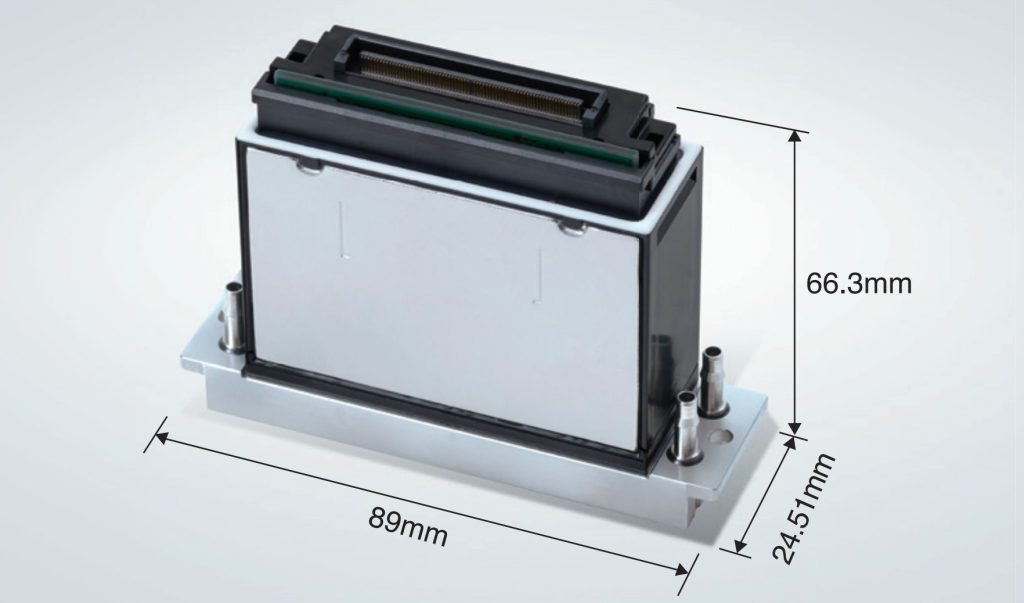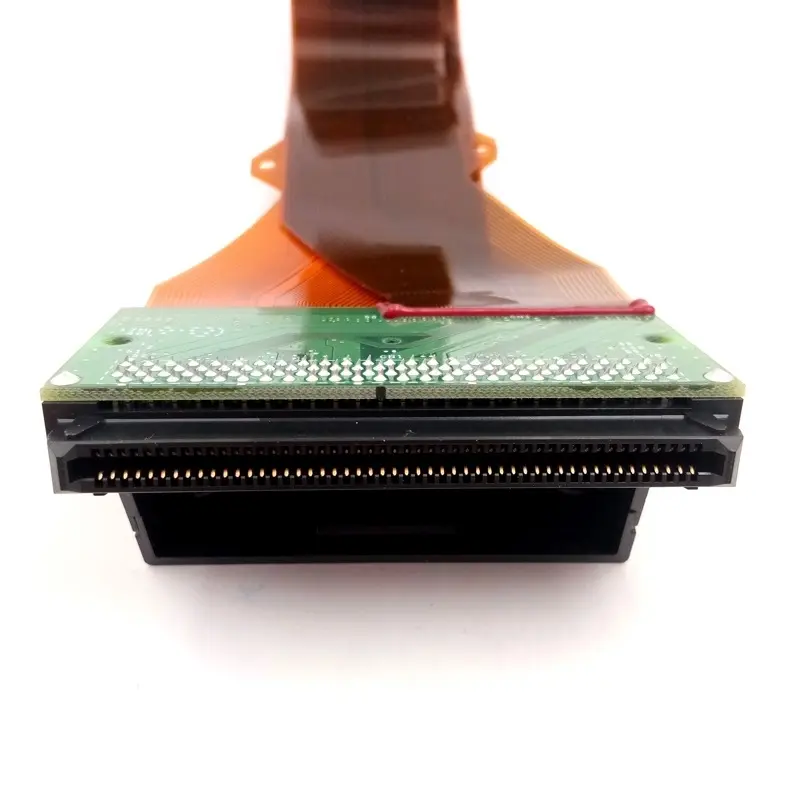
The Ricoh G6 print head of the UV printer needs regular maintenance. Pay attention to the proper maintenance of the print head. This is the best way to keep the print head working optimally, and it is also the most important means to prevent the clogging of the print head of the UV printer. If maintenance is neglected, as one of the core components of UV flatbed printers, it will cost tens of thousands to replace a print head. The Ricoh G6 print head is frequently used in industrial printers. So, how to maintain the Ricoh G6 print head?
Sometimes the Ricoh G6 print head is blocked and cannot output ink. We only need to simply clean it to make it in good condition. The following points are for reference only:
1. Maintain the Ricoh G6 Print Head of the Equipment
To keep the print head in the best working condition, make as many pictures as possible or test the status of the print head before the equipment is officially put into operation to see if the status color is complete and there is no ink break Phenomenon when the color is disconnected, it means that the print head is blocked. Need to press ink or clean the print head.2. How to Maintain the Ricoh G6 Print Head After Daily Use?
After completing all the printing tasks, first of all, the maintenance of the print head only needs to spread the cleaned cloth on the moisturizing pad and drop some moisturizing liquid before shutting down every day. If the machine is equipped with a moisturizing pad, directly put the moisturizing liquid on the moisturizing pad.3. What to Do if the Print Head is Slightly Blocked
(1) Regular cleaning: whenever you find that the nozzle is a little blocked, you should press the stop button without hesitation. After printing, use a manual ink pad or negative pressure to eject the ink from the nozzle for nozzle cleaning, and finally, use a plastic squeeze bottle to spray some cleaning fluid on the surface of the nozzle to wash away the remaining ink.(2) Simple cleaning: Use special cleaning fluid or alcohol to clean the nozzle to clear the blocked or oblique spray nozzles; note that it is best to use the standard cleaning fluid cleaning function on the machine. If not, you can manually inject and clean with a syringe. The intensity should be controlled within 50KPA.
(3) Moderate cleaning method: Use the second-step simple cleaning method to clean the Ricoh G6 print head, and then stick the non-woven fabric stained with the cleaning solution on the surface of the print head and leave it for 12-24 hours.
(4) Deep cleaning method: Use the second simple cleaning method to clean the surface of the print head. Then use the syringe to pump back slightly and repeat several times until all the nozzles spray normally when the cleaning fluid is injected.
(5) If it is severely blocked, the Ricoh print head needs to be removed and sent to the company for professional cleaning. The repair success rate for severe failures is only 40-50%.