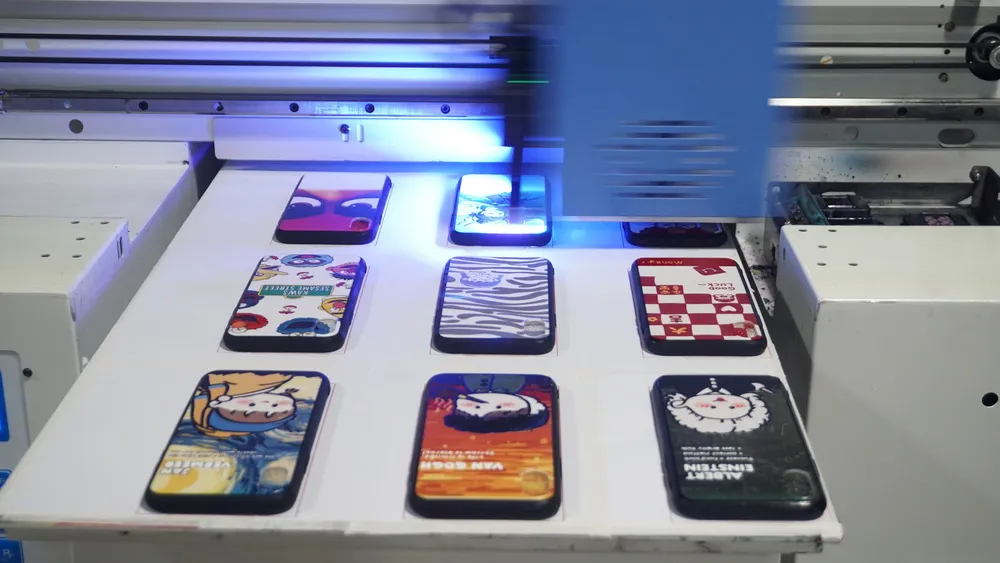
As a key component of image output, the maintenance of the eco-solvent printer printhead is extremely important. However, in actual operation, many users fall into misunderstandings about printhead maintenance, which leads to the decline of printhead performance or even damage. The following are common misunderstandings and solutions to help you maintain the printhead scientifically.
1. Impact of environmental conditions on print heads
01. Temperature and humidity
The printheads of eco-solvent printers are very sensitive to environmental conditions. The recommended operating environment is a temperature of 15-30°C and a humidity of 35%-65%. Abnormal fluctuations in temperature and humidity will change the viscosity of the ink, causing the print heads to be short of ink, a phenomenon that is often mistaken for "print head clogging". Therefore, maintaining stable environmental conditions is the basis for the normal operation of the print heads.
02. Ink thickens
Low temperatures in winter can cause ink to thicken, which is a physical change, not a chemical one. Some users try to adjust ink viscosity by adding diluents or ink oil. However, this can exceed the manufacturer’s recommended additives, weakening ink performance and print quality. The correct method is to warm the original ink slowly to restore it to its normal state.
2. Common misunderstandings about printhead maintenance
Misunderstanding 1: Frequent printhead cleaning
Stable printhead moisturizing and proper cleaning can solve the problem of micro-blocking, but frequent cleaning will not only shorten the life of the printhead, but also waste a lot of ink. It is recommended to perform a simple cleaning after printing every day and a deep cleaning once a week.
Misunderstanding 2: Insufficient printhead moisturizing
Good sealing between the printhead and the ink capping station is key to keeping the printhead moist. However, sealing alone cannot fully prevent drying. The waste ink tube can also dry out, causing the ink stack core to dry and affecting the printhead’s wetness. To avoid this, fold the waste ink tube and secure it with a clip when the printer is not in use. If the printer hasn’t been used for more than three days, check the printhead’s condition after powering it on and moisturize it if needed.
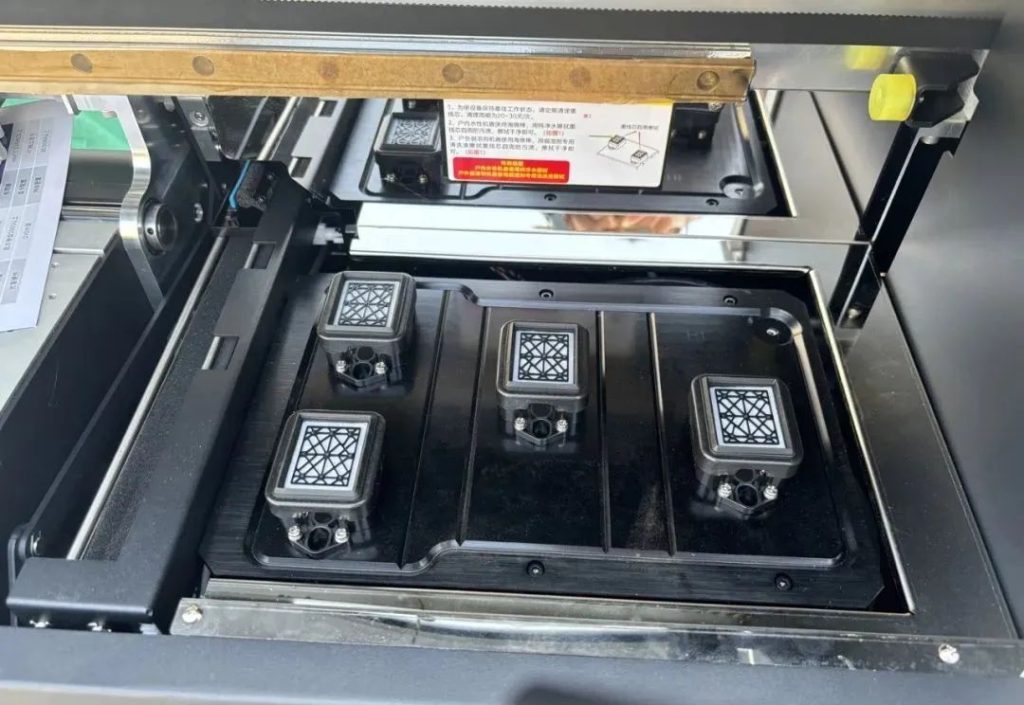
Misconception 3: Ignoring voltage and static interference
The safety and stability of photo printers are closely linked to voltage and static electricity. Non-standard equipment may lack anti-static protection or proper grounding. This can shorten the equipment’s lifespan and cause safety issues. Static electricity can disrupt printhead performance and even damage it severely. To prevent problems, ensure the equipment is properly grounded and regularly check electrical connections.
3. Correct printhead maintenance method
Environmental control: Maintain appropriate temperature and humidity to avoid the impact of environmental fluctuations on the printhead.
Reasonable cleaning: Follow the advice of the equipment manufacturer to avoid excessive cleaning.
Moisturizing measures: Ensure that the printhead and ink capping are well sealed, and check the status of the waste ink tube regularly.
Electrical safety: Ensure that the equipment ground wire is connected to avoid voltage instability and static interference.
The maintenance of the eco-solvent printer’s printhead requires care and patience. By avoiding the above misunderstandings and taking scientific maintenance measures, the life of the printhead can be effectively extended, and the printing quality can be guaranteed. Remember, the nozzle is the core component of the eco-solvent printer. Only scientific maintenance can ensure its optimal performance!