Many customers who purchase UV printers frequently experience printhead blockage or damage due to a lack of knowledge about printhead maintenance. We all know that the best way to keep a UV printer printhead in optimal working condition is to perform proper and effective daily maintenance, which will significantly reduce the likelihood of printhead blockage.
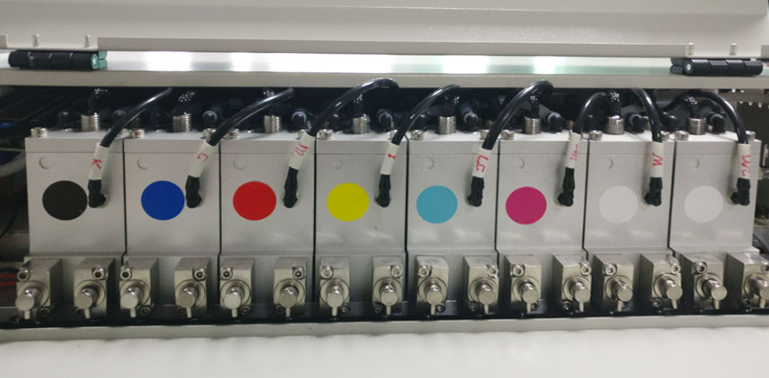
UV Printer Printhead Maintenance After Equipment Installation and Initial Operation
1. To ensure optimal printhead operation, before your UV printer officially begins production, be sure to print as many images as possible over a period of one to two days. Ideally, use all four colors (CMYK). Add color strips (C, M, Y, and K) on both sides of the image to ensure all four printheads are always in good working order.
2. When printing, it's best to remove the moisturizing sponge and its holder from the cleaning station on the far right.
How to Maintain the UV Printer Printhead After Daily Work
After all print jobs are completed each day, to maintain the printhead in optimal working condition and prevent nozzle clogging due to UV ink evaporation, perform printhead maintenance as follows and allow the device to sit overnight.
1. Turn off the UV flatbed printer.
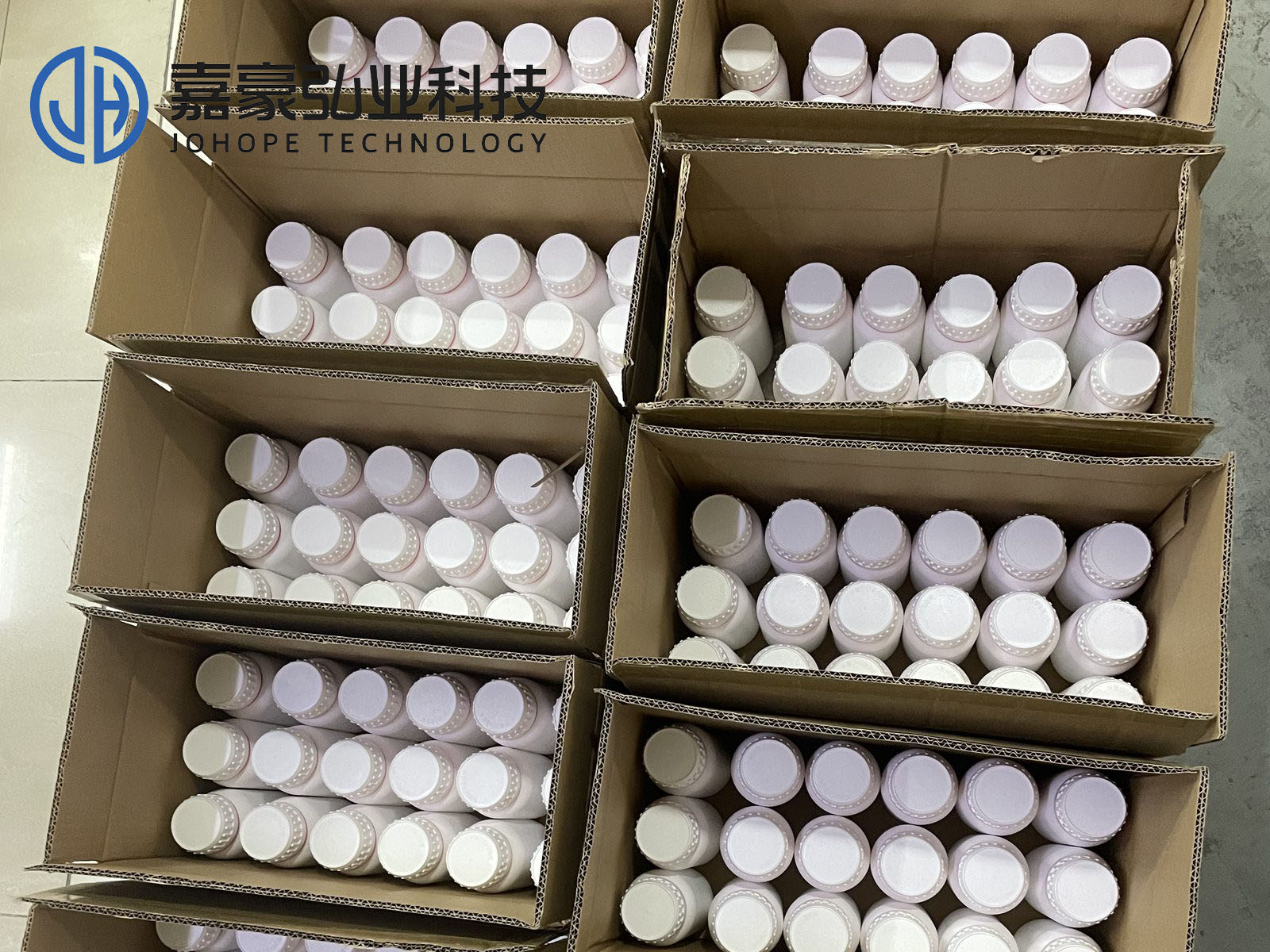
2. Clean the moisturizing sponge with a special cleaning solution, then pour the solution onto the sponge to soak it.
3. Return the carriage to the cleaning station on the far right, firmly attaching the nozzle to the moisturizing sponge.
4. Leave the device in this condition overnight.
Troubleshooting Minor Nozzle Clogs
1. If you notice a minor nozzle clog during printing, immediately press the PAUSE button to pause the print job. Then, use a syringe or manual air pump to eject ink from the nozzle to clean it. After cleaning, use a plastic squeeze bottle to spray some cleaning fluid onto the nozzle surface to remove any remaining ink.
CAUTION: When using a manual air pump, do not apply excessive force, as excessive pressure may damage the printhead.
2. Prompt, decisive, and thorough treatment of minor nozzle clogs is crucial to maintaining optimal nozzle performance during extended printing.
3. Furthermore, it is necessary to carefully inspect the printhead and identify the cause of the clog.
What to do if the device is not expected to be used for more than 48 hours
If the device is not expected to be used for more than 48 hours, the ink in the printhead must be cleaned thoroughly. Otherwise, the ink in the nozzle will dry out due to gradual evaporation of the solvent, which may even cause irreversible damage to the nozzle. The following procedures are available:
1. Turn off the power to the UV flatbed printer.
2. Move the printer carriage to the leftmost cleaning position and place a corrosion-resistant container under the head to collect the waste cleaning liquid.
3. Use a glass syringe to draw out or directly pour out the ink from the auxiliary ink tank, then rinse the auxiliary ink tank with a dedicated cleaning solution.
4. Remove the ink supply tube from the printhead. Then, use a glass syringe to draw 40ml of special cleaning solution to clean the printhead twice. Finally, do not blow out any remaining cleaning solution from the printhead; be sure to leave enough cleaning solution inside the printhead, as this will moisturize the nozzle.
5. Place the treated printhead in a clean, corrosion-resistant container and seal it (plastic wrap is a good option). It can be stored for about one month.