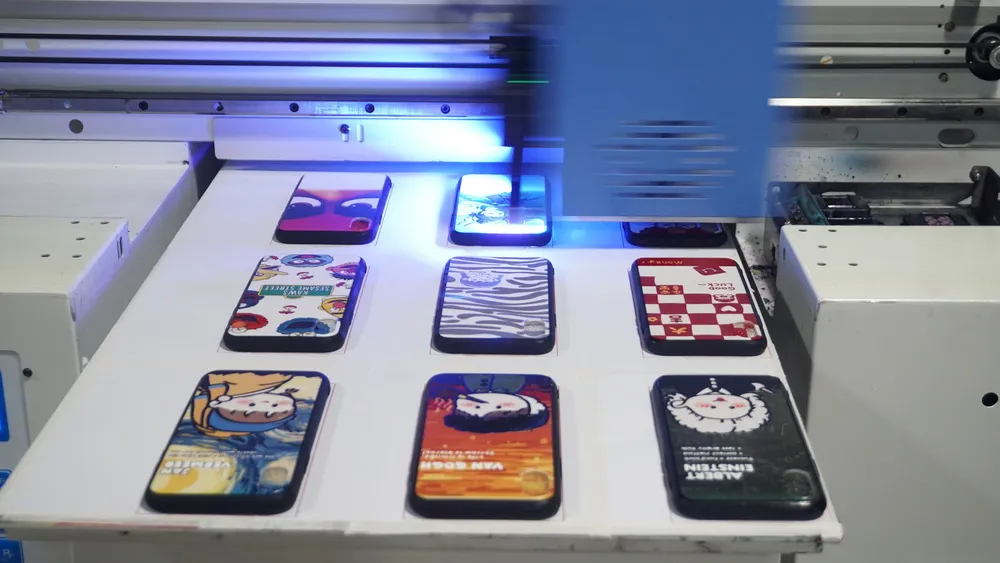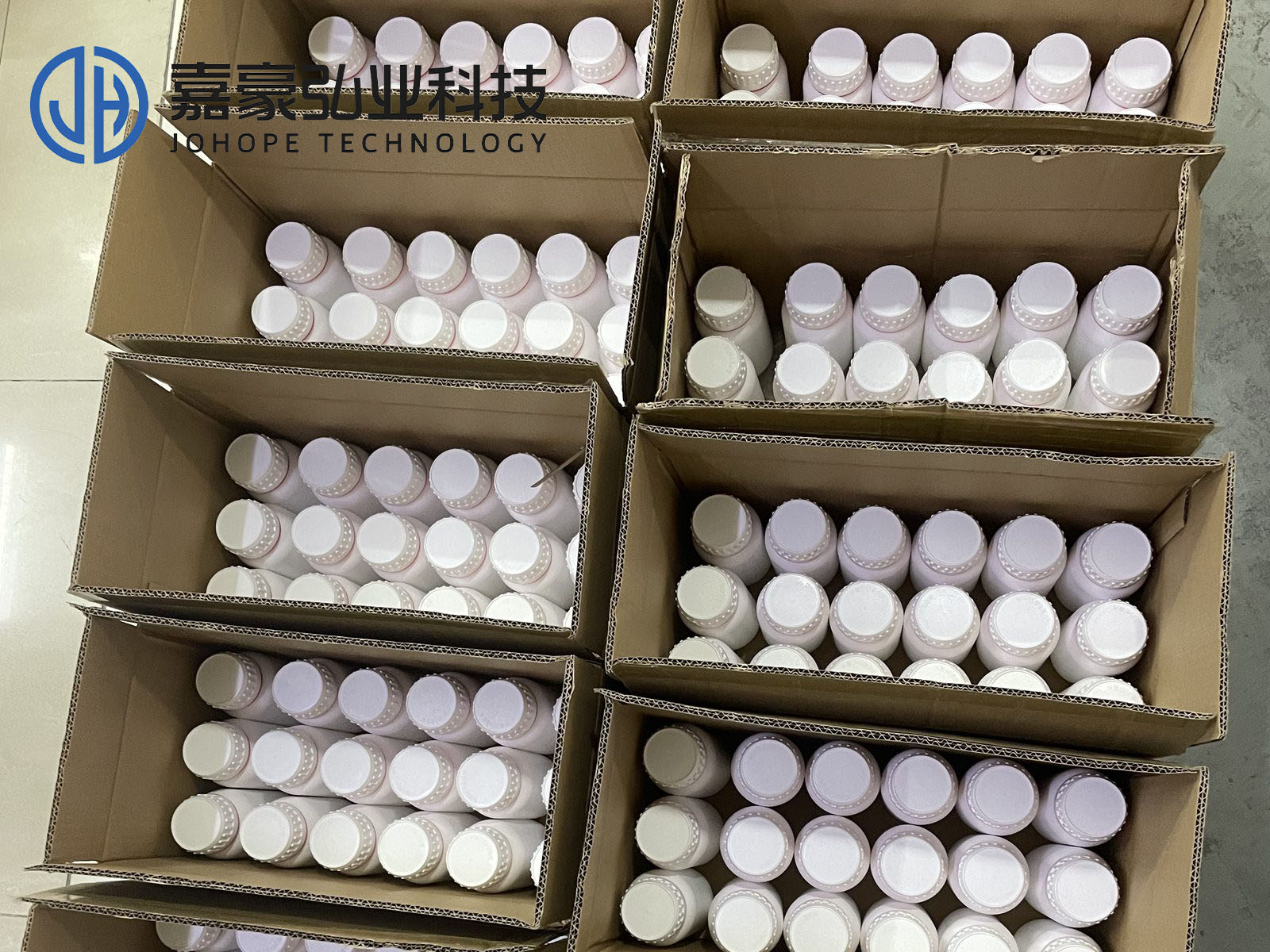
The printhead of a flatbed printer is a very important instrument. Proper maintenance of the printhead, including the use of a specialized printing head cleaning solution, has a significant impact on extending the service life of the machine, saving costs, and improving print quality. So, how should you maintain the printhead of a UV printer? Let's take a look with us!
UV Flatbed Printer Printhead Maintenance
01. The UV flatbed printer's printhead is affected by voltage
The UV flatbed printer's printhead is affected by voltage. If the voltage is too high or too low, it will cause severe ink breakage and severe vibration, which will damage the image quality. After testing and a summary, it is best to maintain the voltage between 28 and 32 V, which can not only produce high-quality printing effects but also maintain the machine's printhead.
02. UV flatbed printer printheads are affected by environmental humidity and temperature
Temperature and humidity will affect the ink and then affect the printhead. The amount of ink in the printhead ink chamber is very large, so if the temperature and humidity change, the ink will be unstable and the printhead will be clogged, which will cause its life to decrease rapidly. Therefore, the indoor humidity and temperature balance is very critical.
03. UV flatbed printer printheads are affected by ink quality
Poor-quality ink will cause printhead clogging when used. Even after cleaning, there will be a lot of residues. However, over the years, those residues will accumulate more and more, which will eventually lead to the scrapping of the printhead.
Correct Printing Head Cleaning Solution After Blockage
Inkjet printer "blockage" can be roughly divided into two categories: soft blockage and hard blockage.
1. Repair of soft blockage
Soft blockage refers to the disconnection caused by the viscosity of ink due to various reasons. Sometimes it only adheres to the nozzle surface of the ink outlet. Generally, turn on the flash spray setting in the machine, adjust 8 HZ to 1K, let it flash for 2 minutes, and then adjust it back to 8 Hz. After multiple flash sprays, it can be restored. Its advantages are simple and fast operation without any physical damage; the disadvantages are high cost of use and waste of ink.
Use the print head cleaning function in the printer application tool to clean. Its advantages are simple and fast operation; the disadvantages are that the cleaning effect is not ideal. For better results, a printing head cleaning solution may be applied in deep cleaning processes.
2. Repair of hard blockage
Hard plug refers to the plug caused by chemical coagulation or impurities in the printhead. It is difficult to eliminate this fault. The following two methods can be used to solve it.
01. Pressure method
Scope of application: The obstruction is relatively light
Necessary tools: 95% alcohol, a clean cup, and a metal container with a smooth bottom. Working principle: Use a medium-strength organic solvent to dissolve the ink particles one by one. Note that 95% organic solvent alcohol must be used; otherwise, it will be counterproductive.
Solution: First, find a metal container with a smooth bottom. Add a small amount of 95% organic solvent alcohol to the container, making sure it only covers the stainless steel edge of the printhead. Be careful not to let the printhead motherboard come into contact with the alcohol. Soak the printhead for 5 to 15 minutes. Then, use a syringe to inject the solvent into the printhead to clean the dried ink. Adding a printing head cleaning solution during soaking can enhance the cleaning effect.
02. Ultrasonic instrument cleaning method
Scope of application: The most serious obstruction
Working principle: Use an ultrasonic cleaning machine to generate strong ultrasonic waves to make water molecules vibrate violently, break up tiny dry ink particles, and dissolve them in water, thereby achieving the purpose of cleaning.
Solution: Gently place the inkjet printhead into the cleaning machine. Add a special printing head cleaning solution, making sure the liquid just covers the stainless steel edge of the printhead. Be careful not to let the motherboard touch the cleaning solution. The cleaning process is quick and highly effective, even for printheads blocked for many years. However, this method has a high maintenance cost and can be relatively expensive.
Notes:
1. When there is a sudden power outage or failure, the print head may not return to its original position. Before turning the printer back on, the power supply voltage must be stabilized. The printer can only be used normally after the print head returns to its original position. This is because the special ink used in the printer has the characteristic of quick drying. To prevent the print head nozzle from being exposed to the air when the printer is idle, the ink concentration increases and the nozzle dries up, causing "head clogging".
2. The special ink used in inkjet printers is volatile and influenced by the surrounding environment. If the printer is left unused for a long time, the printhead can become clogged. To prevent this, it is recommended to turn on the machine for a self-test every other day. Each time the printer powers on normally, it automatically starts a flashing process based on its internal settings. This process helps clean the printhead thoroughly and maintain its performance. The purpose is also to prevent the nozzle from being clogged and unable to print normally due to long-term non-use.
3. When the ink is used up, it is necessary to add ink in time. Because if it is not replaced in time, it is easy to cause the printhead to dry up and become scratched.
4. Customize different printing methods. By choosing to use different ink cartridges and media types, adjusting the print density by yourself, and customizing the print mode, you can achieve the purpose of saving ink.
5. To effectively prevent the ink cartridge from drying up and clogging due to long-term exposure to the air, when the printer is not in use, the printhead should be cleaned and wrapped with plastic wrap to isolate it from the air and protect the printhead.
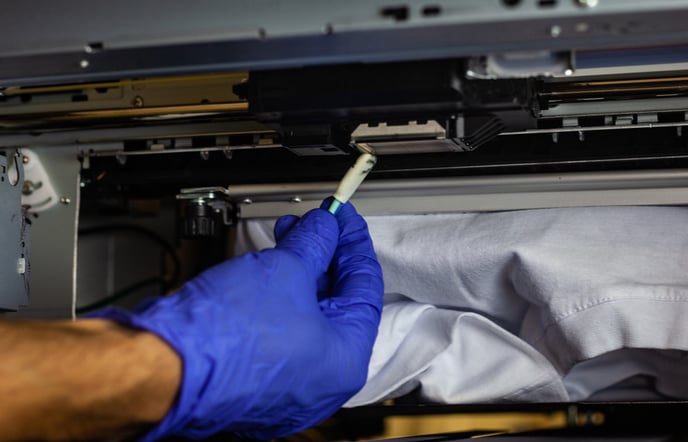
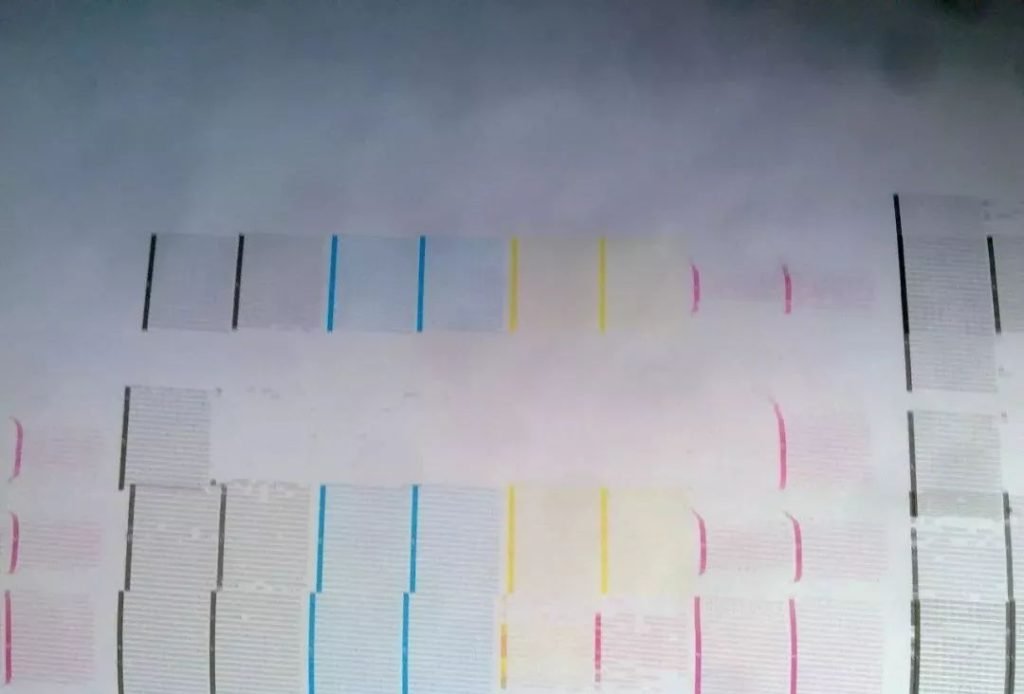
6. Clean the printhead regularly. When cleaning, use high-quality wet paper towels or cotton-free paper towels to gently wipe the edge of the nozzle. Be careful not to touch the nozzle itself. Then, press the flash spray button on the control panel to clean the printhead until the test strip is clear and complete. Using a printing head cleaning solution during maintenance can significantly improve cleaning effectiveness and help maintain print quality.