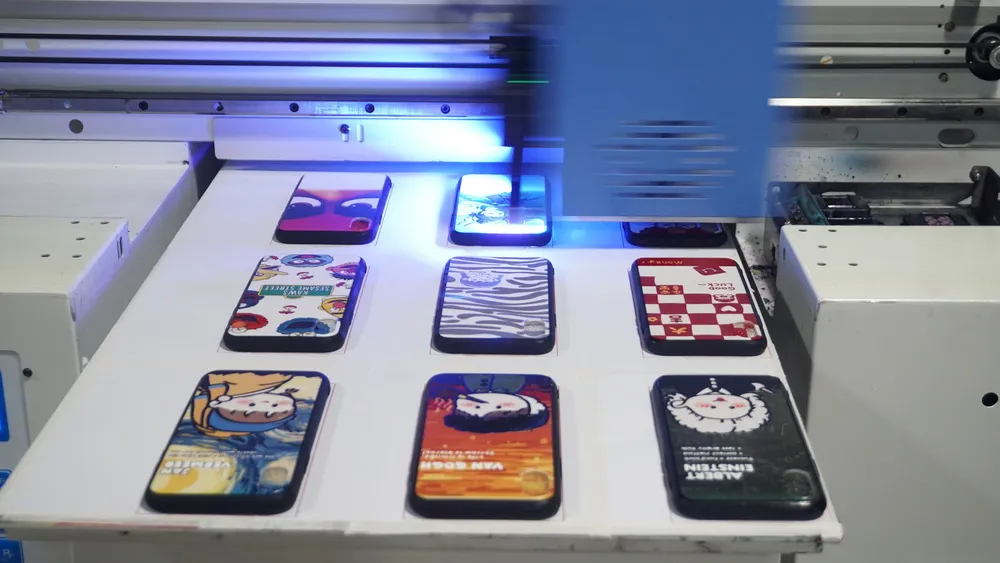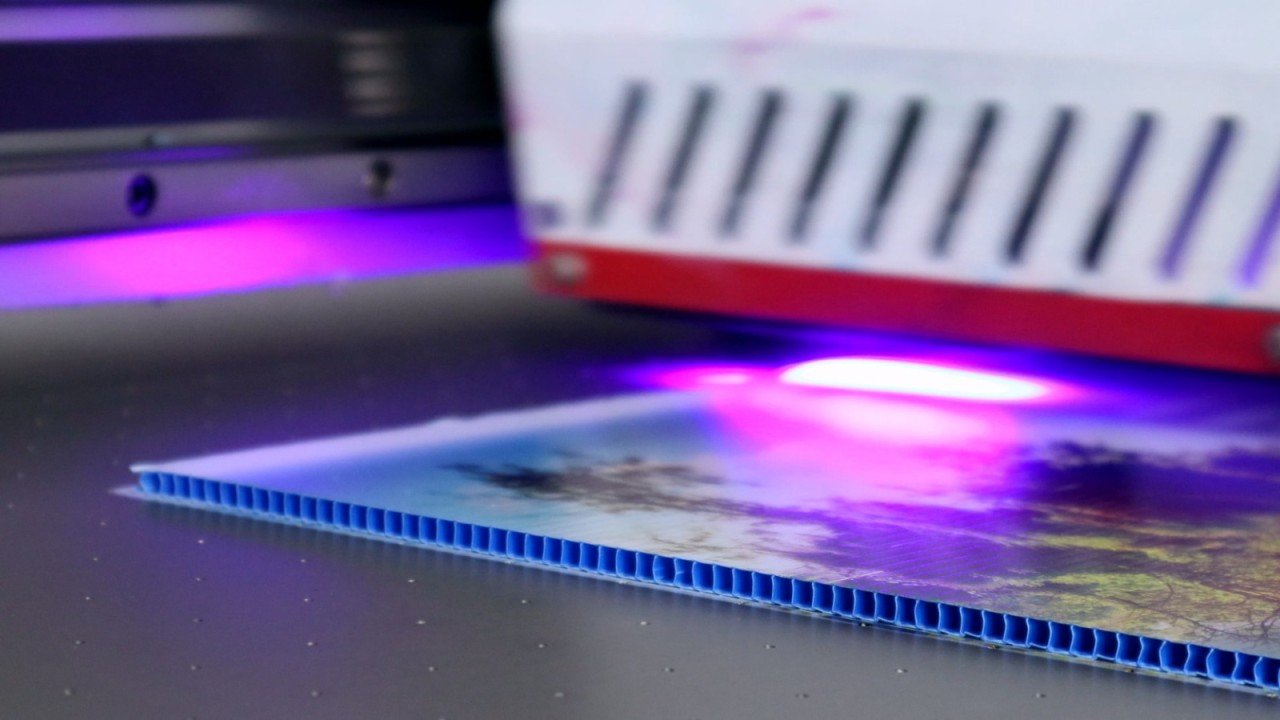
UV flatbed printers, also known as universal flatbed printers, have revolutionized digital printing technology. With advantages like single-sheet printing, no plate making, and full-color output in one pass, they offer great flexibility for printer use across industries. Today, they hold an important position in the printing field.
However, UV flatbed printers have strict requirements for operating specifications during use. Improper operation may damage the equipment and affect its service life. The following are 16 precautions for UV flatbed printing compiled by us, aiming to help users better use and maintain UV flatbed printers, ensure the efficient and stable operation of the equipment, and extend its service life.
1. Equipment operation precautions
1) Moving the print head: Do not move the print head by hand without cutting off the power supply. This illegal operation may damage the print head limit switch, which in turn affects the normal operation of the print head and the accuracy of the equipment.
2) Cut off the power supply: When shutting down the equipment, always use the power switch to cut off the power supply. After pressing the switch, wait until the power is fully disconnected. Only then should you unplug the power cord or data cable. This helps prevent impact or damage to the equipment’s circuit system.
3) Equipment handling: If the equipment needs to be transported, first make sure the printhead is in its initial position. This helps reduce the risk of collision or damage during transit. To further protect the equipment, wrap the printhead and machine body with plastic wrap. This keeps the parts firmly fixed in place. It also prevents shaking or displacement that could cause damage during transportation.
4) During printing: Avoid sudden stops of printing operations while the UV printer is performing printing tasks. If the pattern is misaligned or deviated, pause the equipment first. Then, reset the origin before performing the ink pressing operation. This ensures both printing quality and normal equipment operation.
5) Ink handling: If ink gets on your skin, wash it off immediately with soap and water to reduce irritation. If ink splashes into your eyes, rinse them thoroughly with plenty of water right away. Seek medical attention promptly to ensure eye safety. Taking these steps helps minimize harm from accidental ink exposure.
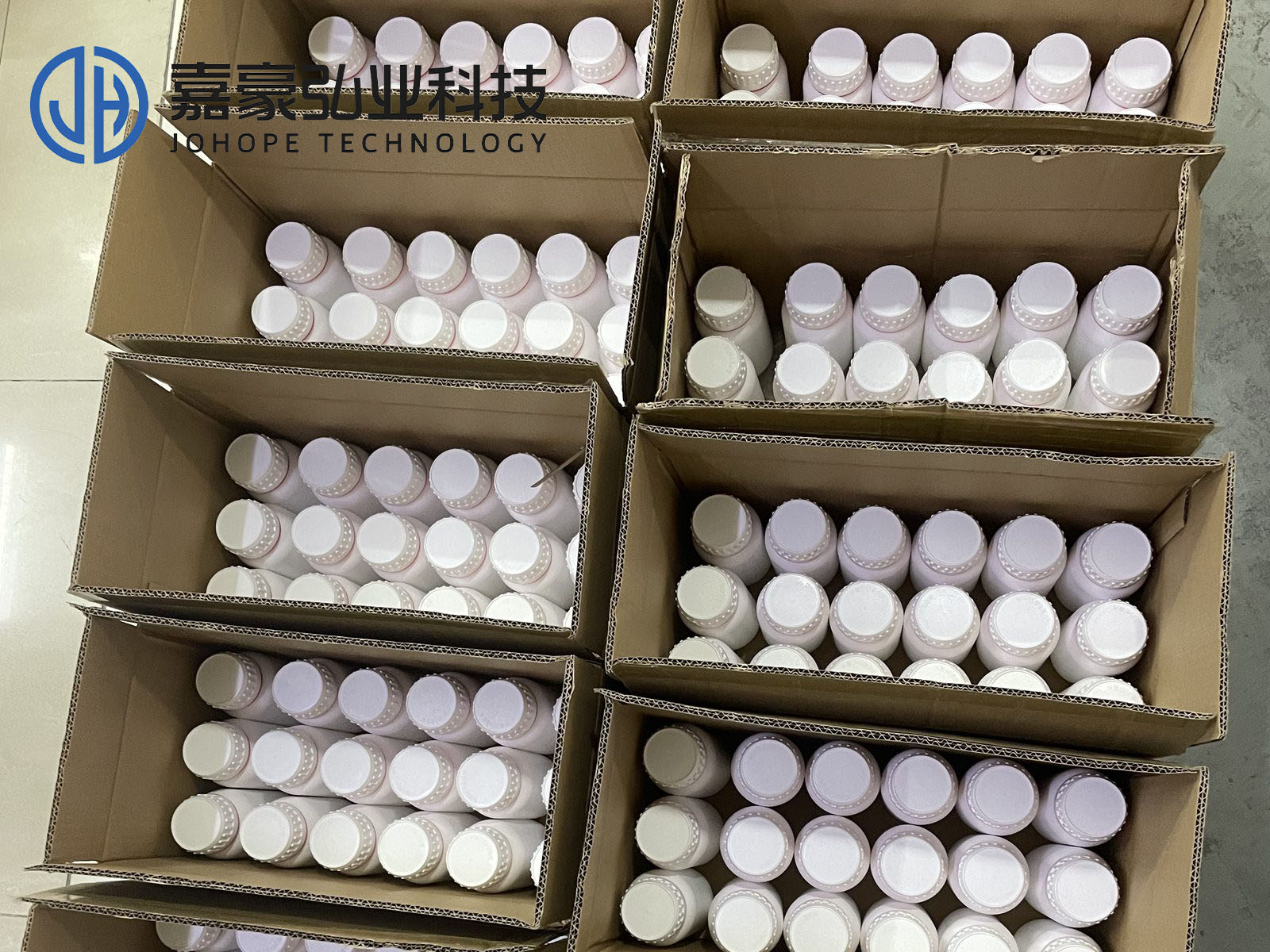
6) Ink bottle handling: When handling the ink bottle, avoid shaking the ink bottle violently, which may cause ink leakage. Before using the ink, you can shake the ink bottle slightly to mix the ink evenly, and then slowly introduce it into the ink tube to ensure a smooth printing process and normal ink supply.
7) Equipment placement: To ensure normal operation and printing quality, the UV flatbed printer should be placed on level and stable ground. An uneven or tilted surface can cause vibrations during printing. This may lead to print deviation and affect output quality. In severe cases, it could also impact the stability and lifespan of the equipment. Proper placement helps maintain consistent printing performance.
8) Ventilation requirements: To ensure proper heat dissipation, the UV printer should have enough space around it. This allows air to circulate freely and maintains normal ventilation. Good airflow helps lower the equipment’s temperature during operation. It also extends the service life of the printer. Additionally, proper ventilation reduces the risk of failures caused by overheating.
2. Environmental requirements and precautions
1) Environmental control: Try to avoid placing the UV flatbed printer in environments with drastic temperature and humidity changes. Sudden fluctuations can affect the printer’s performance and stability. Keep the equipment away from direct sunlight, strong lighting, or heat sources. Excessive heat may cause the printer to overheat or malfunction. Maintaining a stable environment helps ensure printing quality and prolongs equipment life.
2) Avoid vibration: UV flatbed printers have certain requirements for the stability of the working environment. Avoid placing them in places where vibration or shaking is likely to occur. Instead, choose a fixed place for installation and use to reduce the impact of vibration on printing accuracy and equipment components.
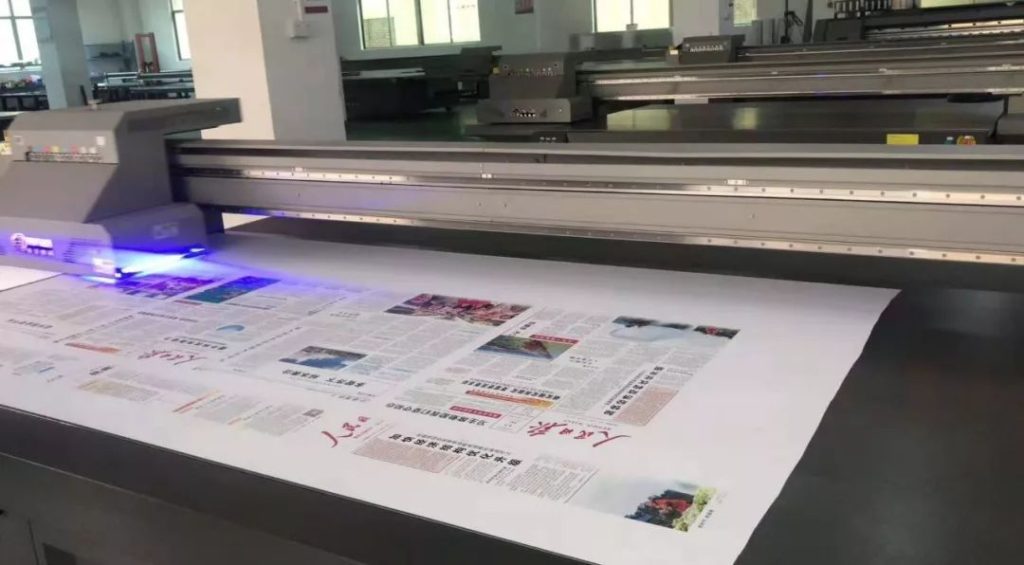
3) Power socket: In order to facilitate the plugging and unplugging of the plug and avoid the safety hazards caused by long wiring, the UV flatbed printer should be placed near the wall socket.
4) Environmental temperature and humidity: Place the UV printer in a cool, backlit corner to avoid high temperatures and direct sunlight. The suitable indoor temperature is 22℃~30℃, and the humidity is 40%~70% relative humidity. If the temperature in the workshop is too high, it may cause the UV printer to fly ink or pull hair. At this time, the indoor temperature needs to be controlled. It is recommended to install cooling equipment such as air conditioners in the workshop.
3. Equipment maintenance and safety precautions
1) Avoid heavy objects: Do not stand or place heavy objects on the UV flatbed printer to avoid physical damage to the equipment. At the same time, make sure that the vents of the equipment are not blocked by cloth or other items to ensure the heat dissipation effect. In addition, avoid using damaged cables and do not plug in and out electronic plugs with wet hands. These behaviors may cause safety hazards or equipment failures.
2) Cleaning and maintenance: Before cleaning the UV machine, be sure to turn off the power and disconnect the connecting cables to ensure safe operation. If the equipment needs to be transported, keep the equipment in a horizontal state to prevent damage to internal components due to tilting.
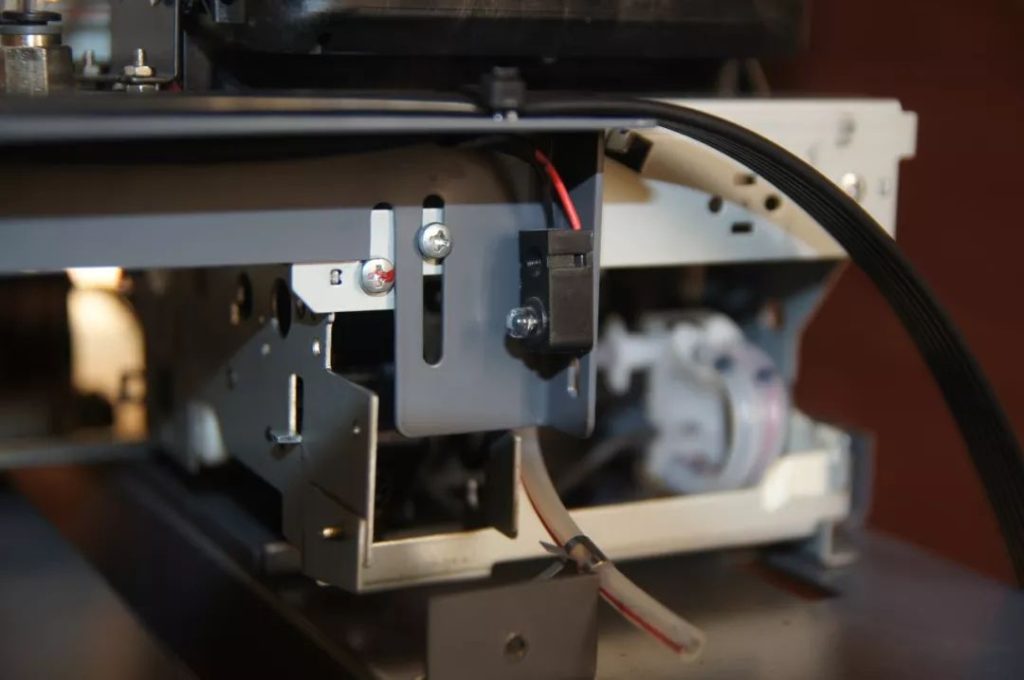
3) Disassembly and assembly prohibited: Non-professional technicians should not disassemble the chassis or the motherboard of the UV flatbed printer. They should also avoid opening the power supply inside the printhead without proper training. Additionally, do not plug or unplug electronic connectors at will. Improper handling of these key components can easily lead to equipment failure. In severe cases, it may cause permanent damage to the printer. This will seriously affect both the normal use and the service life of the equipment.
4) Long-term maintenance: If the UV flatbed printer will be idle for a long time, proper long-term maintenance is essential. First, remove the printhead to prevent ink from drying inside. Next, empty the ink cartridges and thoroughly clean the ink supply system. This helps avoid clogs and ink residue buildup. Finally, cover the printer body with a black cloth to protect it from dust. These steps help extend the service life of the components and ensure smooth operation when the printer is used again.
By following these detailed operation and maintenance guidelines, you can maximize the efficiency and stability of your UV flatbed printer. Proper care helps reduce the risk of faults and prolongs the equipment’s service life. This ensures users enjoy a better and more reliable printing experience.