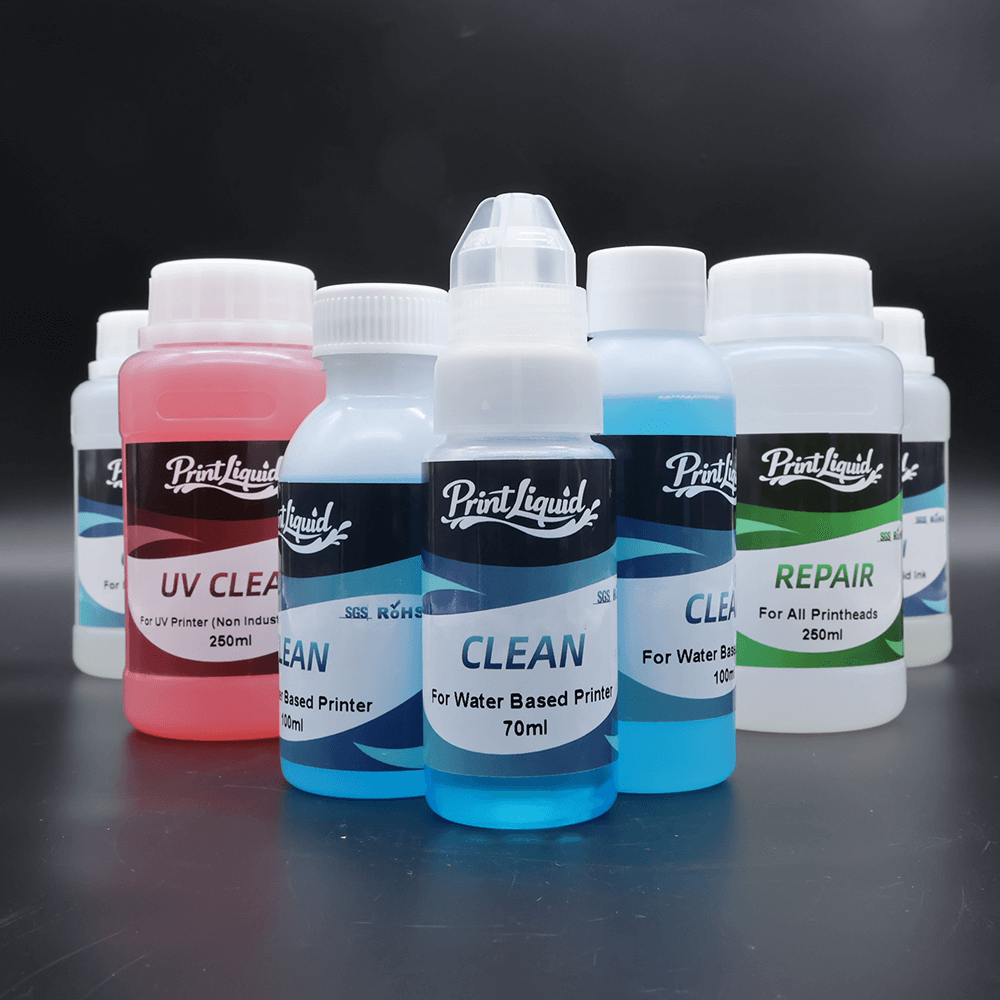
In inkjet printing systems, the printhead is the most precise and expensive core component. Whether used in UV printers, large-format inkjet printers, DTF/DTG systems, or digital textile printers, printhead condition directly affects print quality, machine stability, and long-term operating costs.
A printhead cleaning solution plays a critical role in maintaining nozzle performance and preventing ink-related failures. However, improper selection or incorrect cleaning methods often cause more damage than the blockage itself.
This article explains what printhead cleaning solutions are, how they work, their main types, and the correct ways to use them, helping you clean effectively without shortening printhead lifespan.
What Is a Printhead Cleaning Solution?
A printhead cleaning solution is a specialized fluid designed for inkjet printheads and ink delivery systems. Its primary functions include:
- Dissolving dried or semi-dried ink
- Removing pigment sediment and contaminants
- Clearing ink channels and nozzles
- Preventing nozzle clogging, misfiring, and ink drop deviation
Unlike alcohol or industrial solvents, a proper cleaning solution must balance cleaning power with material safety, ensuring compatibility with piezo elements, nozzle plates, adhesives, and seals inside the printhead.
Why Proper Cleaning Matters
Printhead clogging can occur due to:
- Ink drying during downtime
- Pigment or white ink sedimentation
- Ink incompatibility or mixing
- Air bubbles in the ink system
- Unstable temperature or humidity
Built-in printer cleaning functions alone are often insufficient for medium or heavy clogging. Targeted use of a suitable cleaning solution is essential for effective maintenance.
Types of Printhead Cleaning Solutions
1. UV Printhead Cleaning Solution
UV cleaning solutions belong to oil-based cleaning fluids but are specifically formulated for UV-curable inks.
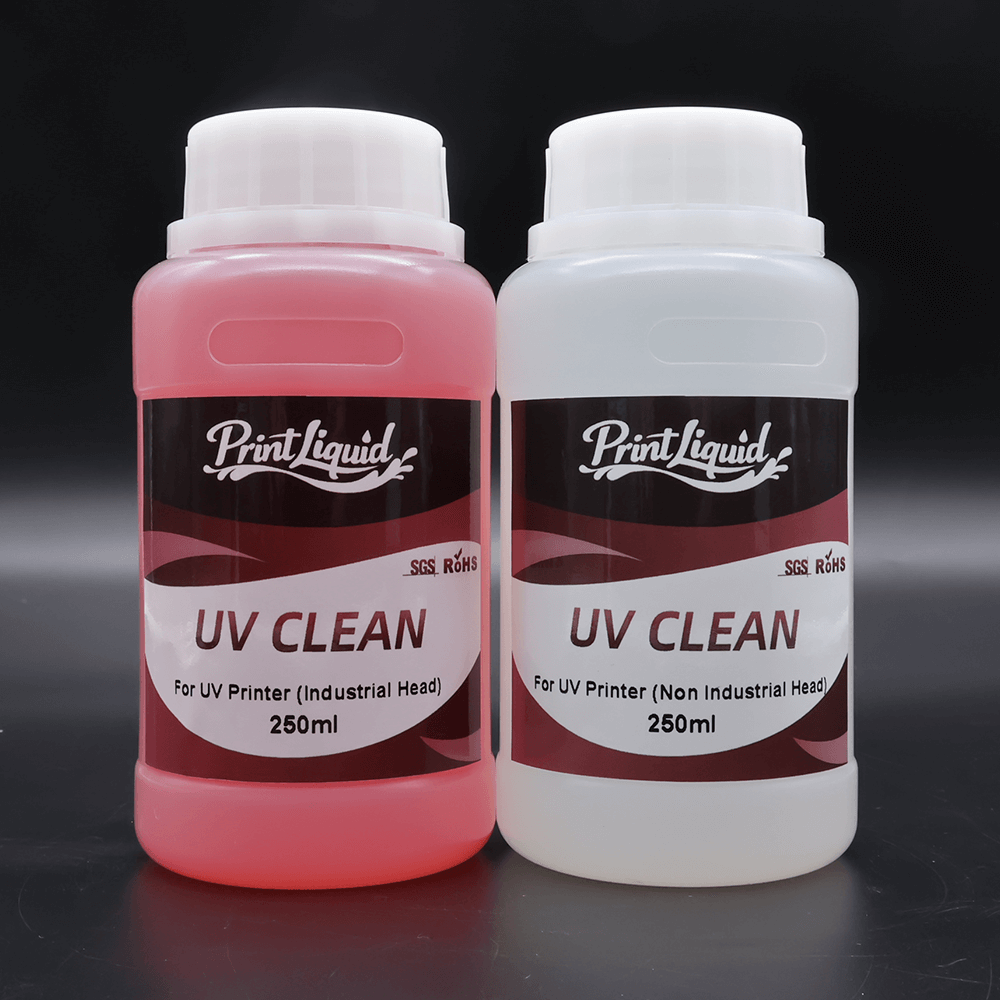
Key features:
- Strong but controlled dissolving capability
- Optimized for UV ink chemistry
- Safer for printheads compared to general solvent cleaners
Note: Even among UV inks, formulations differ. Always confirm ink type and printhead compatibility before use.
2. Solvent / Mild Solvent Cleaning Solution
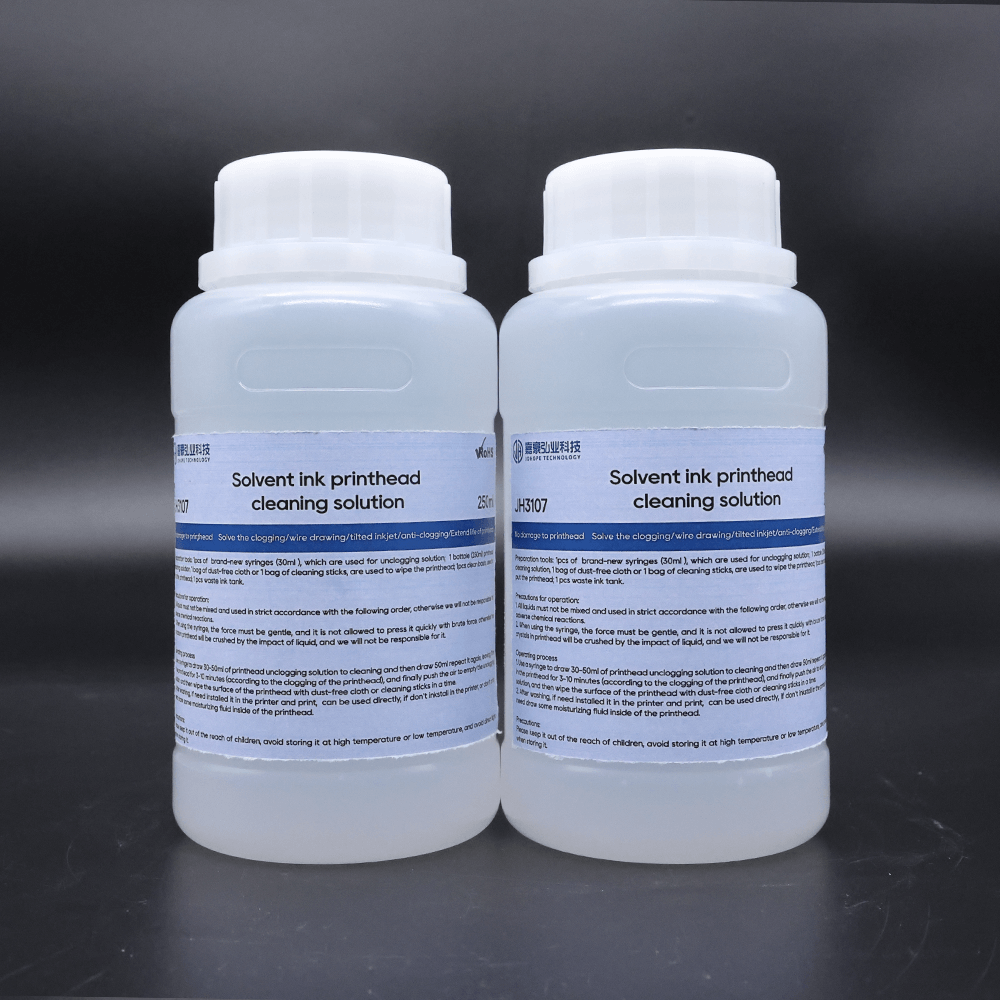
Key features:
- High dissolving power
- Effective for stubborn ink buildup
- Faster cleaning action
Considerations:
- May affect internal plastic parts or seals if used frequently
- Best suited for short-term or corrective cleaning, not routine maintenance
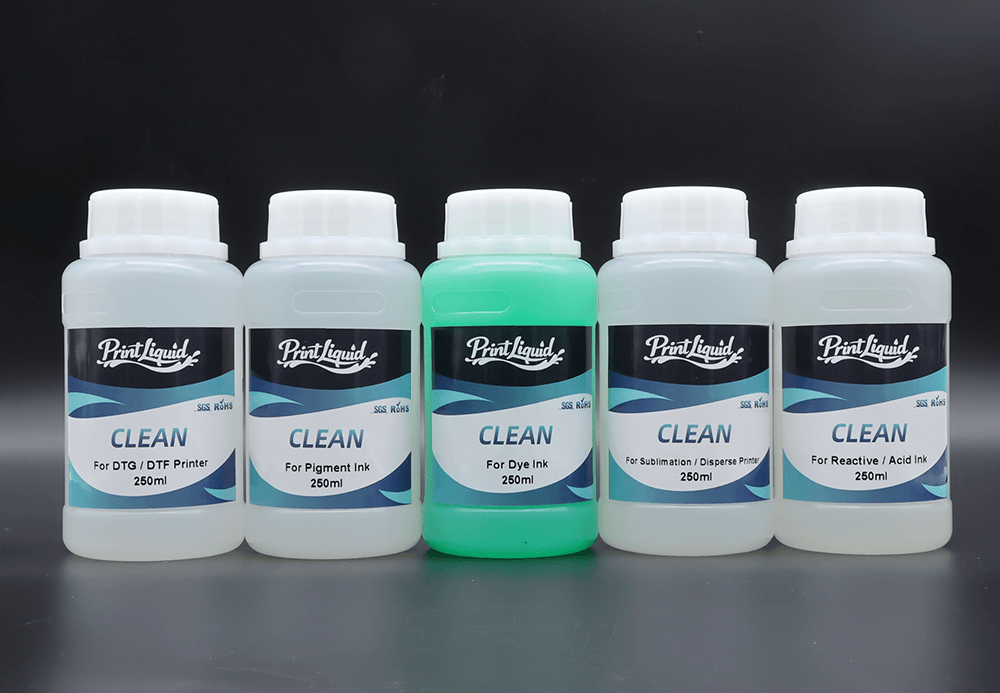
3. Water-Based Printhead Cleaning Solution
Water-based cleaning solutions are commonly divided into:
- Dye ink cleaning solution
- Pigment ink cleaning solution
- DTF / DTG cleaning solution
- Textile pigment cleaning solution
Key features:
- Mild formulation
- High material compatibility
- Ideal for routine maintenance of water-based ink systems
This is the most widely used category for daily printhead care.
4. Dedicated / Printhead-Specific Cleaning Solutions
Some cleaning solutions are designed for specific printhead brands or models, such as Epson, Ricoh, Konica Minolta, or Kyocera.
Advantages:
- Optimized chemical compatibility
- Lower risk of internal damage
- Recommended for industrial-grade printheads
How to Use Printhead Cleaning Solution Correctly
Method 1: Automatic Cleaning (Light Maintenance)
Recommended for:
- Routine maintenance
- Minor nozzle clogging
- Printers with built-in cleaning programs
Procedure:
1) Power on the printer and confirm normal operation
2) Select “Printhead Cleaning” via the control panel or driver
3) Add cleaning solution if manual filling is required
4) Run the automatic cleaning cycle
5) Print a nozzle test pattern to evaluate results
Automatic cleaning is effective for prevention but limited for heavy clogging.
Method 2: Manual Cleaning (Medium to Heavy Clogging)
Recommended for:
- Persistent nozzle loss
- Ink sediment buildup
- Automatic cleaning failure
Required tools:
- Syringe
- Cleaning solution
- Silicone tube or connector
- Lint-free wipes
Key steps:
- Draw cleaning solution into the syringe
- Connect to the ink inlet
- Apply slow, controlled pressure
- Observe expelled ink residue
- Repeat in small amounts if necessary
Note: Excessive pressure can damage piezo layers or nozzle structures.
Method 3: Nozzle Soaking / Surface Cleaning (Use with Caution)
Recommended for:
- Long-term shutdown
- Dried ink on nozzle surface
- Removable printhead designs
Best practice:
- Soak only the nozzle surface
- Avoid contact with electronic components
- Limit soaking time to 15–60 minutes
- Rinse gently and dry completely before reinstallation
This method should not be used frequently, especially for industrial printheads.
Important Steps After Cleaning
- Flush out residual cleaning solution with ink or protection fluid
- Allow the printhead to rest before printing
- Start with nozzle tests before full production
Cleaning solution should never remain inside the printhead for extended periods.
Common Cleaning Mistakes to Avoid
- Using alcohol or industrial solvents
- Applying high-pressure injection
- Long-term soaking
- Mixing cleaning solution with ink
- Ignoring ink and printhead compatibility
Most premature printhead failures are caused by incorrect cleaning procedures, not manufacturing defects.
Conclusion
A printhead cleaning solution is not a repair tool—it is a precision maintenance product. When selected correctly and used properly, it can:
- Extend printhead lifespan
- Improve printing consistency
- Reduce downtime and maintenance costs
Effective cleaning is about compatibility, control, and consistency, not force.