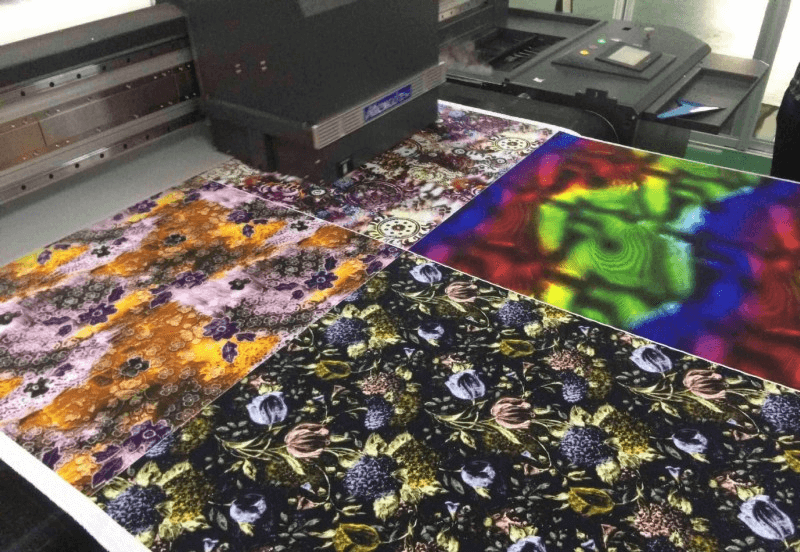
The normal operation of a digital printing machine depends on the cooperation of many small printer spare parts. When some small parts have problems, it will affect the normal operation of the digital printing machine. Therefore, for some parts of the printing equipment, we must regularly maintain and clean them to keep them in the best working condition.
Printhead
The printhead is an essential component of any digital printing machine, so many of us are familiar with its maintenance. If the printhead is slightly clogged, it can be cleaned using the digital printing machine's built-in ink removal and cleaning function. If the printhead is severely clogged, it needs to be removed and soaked in a cleaning solution. The specific soaking time depends on the severity of the clog.
Guide Rail
Maintaining the guide rails of a digital printing machine is a gradual process. First, after turning on the digital printing machine, allow the carriage to move back and forth several times. This will remove any dirt from the guide rails. Repeat this process several times, then wipe away any remaining dirt with a paper towel or rag. Next, clean the guide rails daily after the digital printing machine completes its printing cycle. Wipe any dirt off the rails with a clean cloth or lint-free paper towel dipped in alcohol. Then, wipe the rails with a clean cloth or paper towel dipped in a little lubricating oil.
Encoder Strip
The encoder strip is a transparent film strip on the back of the carriage, primarily used for positioning. A dirty grating can cause issues like ghosting and misalignment in the printed image. Regular cleaning is recommended. When cleaning, wipe gently with water, avoiding excessive force, and scrub both sides.
Ink Capping Station
After a printer has been operating for a while, the wiper and ink capping will gradually become contaminated with ink and dust. Failure to clean them promptly can cause ink dripping or printhead blockage. Therefore, regularly use a cotton swab dipped in cleaning fluid to clean the wiper and ink capping. If the wiper is deformed or damaged, replace it with a new one.