White ink plays a critical role in UV flatbed printing, especially for high-opacity backgrounds, spot white, and layered color-white-color applications. However, many users encounter a common issue during production: grainy or rough white ink output, which negatively affects image quality and perceived product value.
This problem rarely has a single cause. In most cases, it results from a combination of white ink characteristics, print parameter settings, and equipment maintenance conditions. This article explains the main causes of grainy white ink and provides practical, proven solutions.
1. White Ink Characteristics: Why Graininess Happens Easily
Unlike CMYK inks, white ink contains a high concentration of titanium dioxide (TiO₂) pigment to achieve strong opacity. TiO₂ has a much higher density than color pigments, which makes white ink:
- More prone to sedimentation
- Highly sensitive to circulation and mixing conditions
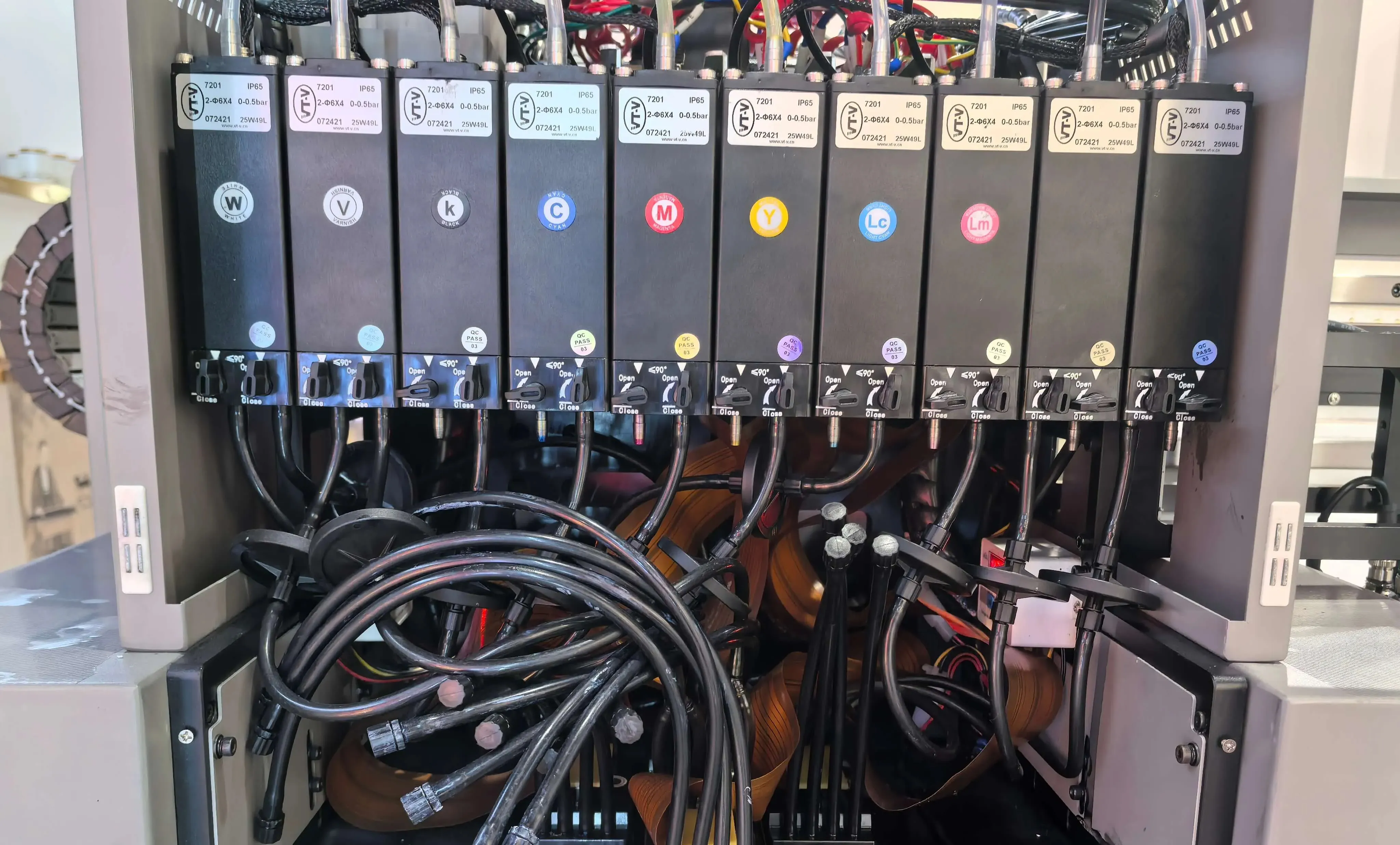
- More demanding on ink supply systems, filters, and printheads
If white ink is poorly dispersed or unevenly supplied, graininess becomes unavoidable.
2. Use High-Quality White Ink and Ensure Proper Mixing
Choose Reliable, High-Quality White Ink
Ink quality is the foundation of stable white printing.
- Select white ink from reputable manufacturers with proven market performance
- Ensure full compatibility with your printer model and printhead type
- Premium white ink features finer TiO₂ grinding, better dispersion stability, and lower impurity levels, all of which help reduce visible grain
Keep White Ink Properly Mixed at All Times
Sedimentation is one of the most common causes of grainy white output.
If your printer has an automatic stirring system, activate it 5–15 minutes before printing, especially after long idle periods
If no automatic mixing is available:
- Shake the ink bottle for at least 2–3 minutes before refilling
- Make sure no sediment remains at the bottom
For internal ink tanks:
- Manually assist mixing where the structure allows and safety permits
For long-term stability, installing a white ink circulation or automatic stirring system is highly recommended
3. Optimize Print Curves and Printing Parameters
Print curves and parameter settings directly determine droplet size, dot distribution, and ink stacking behavior.
Use Finer Print Curves
- Contact your printer or RIP software supplier to enable small-dot or medium-dot print curves
- Smaller droplets produce smoother white layers and significantly reduce graininess
- Although printing speed may decrease slightly, surface quality improves noticeably
Adjust Pass Count Appropriately
- Increasing the number of passes allows white ink to build up more evenly
- Higher pass settings help reduce dot aggregation and surface roughness
- Balance coverage requirements with production efficiency
Always Perform Test Prints
Print test strips on the actual substrate using different curves and pass settings
Compare:
- Opacity
- Surface smoothness
- Adhesion
- Grain level
Select the parameter set with the best overall performance before full production
4. Strengthen Daily Maintenance and Ink System Management
Poor maintenance often amplifies white ink graininess over time.
Replace White Ink Filters Regularly
White ink consumes filters faster than color inks
Replace:
- Main ink tank filters
- Secondary ink tank filters
- Pre-printhead filters
In most applications, 5–10 micron high-quality filters provide the best balance between filtration efficiency and stable ink flow
Maintain Printheads Properly
Perform regular white ink cleaning and nozzle checks
Use proper capping and moisturizing procedures during downtime
For long shutdowns:
- Flush the white ink circulation system thoroughly
- Protect the printhead to prevent pigment settling inside the nozzles
Conclusion
A single component does not cause grainy white ink printing. It is the result of how ink quality, mixing, print settings, and maintenance work together.
To achieve smooth and consistent white ink output:
- Use high-quality, well-dispersed white ink
- Keep white ink continuously mixed and circulating
- Apply finer print curves and optimized parameters
- Maintain a clean, stable ink supply and filtration system
When these factors are properly controlled, white ink graininess can be significantly reduced, resulting in smoother surfaces, stronger visual impact, and higher-quality UV prints.