Extended shutdowns during holidays can easily trigger a series of printing issues—clogged nozzles, ink sedimentation, air in the ink lines, color shifts, and even electrical failures. Proper maintenance before the break and thorough inspections after returning can significantly reduce downtime and protect your printhead and ink delivery system.
This guide provides a low-overlap, fully rewritten workflow covering pre-holiday care, short- and long-term shutdown procedures, and post-holiday restart checks, suitable for all major printer types.
Pre-Holiday Maintenance—Prepare Your Printer for Safe Shutdown
1. Deep Printhead Cleaning
Before shutting down, always run a nozzle check.
- Minor missing lines→perform light cleaning.
- Severe clogging→soak the nozzle plate with professional cleaning solution and flush carefully.
- Avoid powering off the machine with clogged nozzles—dried ink will harden and become extremely difficult to clean later.
Ensure the printhead surface is clean, moist, and free of dried residue.
2. Power-Off & Ink System Protection
To prevent electrical issues and ink instability:
- Fully power off and unplug the machine from the main switch to avoid static, lightning damage, or standby current risks.
- Close the main ink valve/primary ink bottle switch, if applicable, to prevent evaporation or leakage.
- Keep ink levels above halfway, especially for white ink, to avoid air intake.
3. Dust, Moisture & Light Protection
Environmental protection is essential during holidays:
- Cover the printer with a dust-free cloth or protective film.
- For high-humidity environments, place desiccants or dehumidifying packs around the equipment.
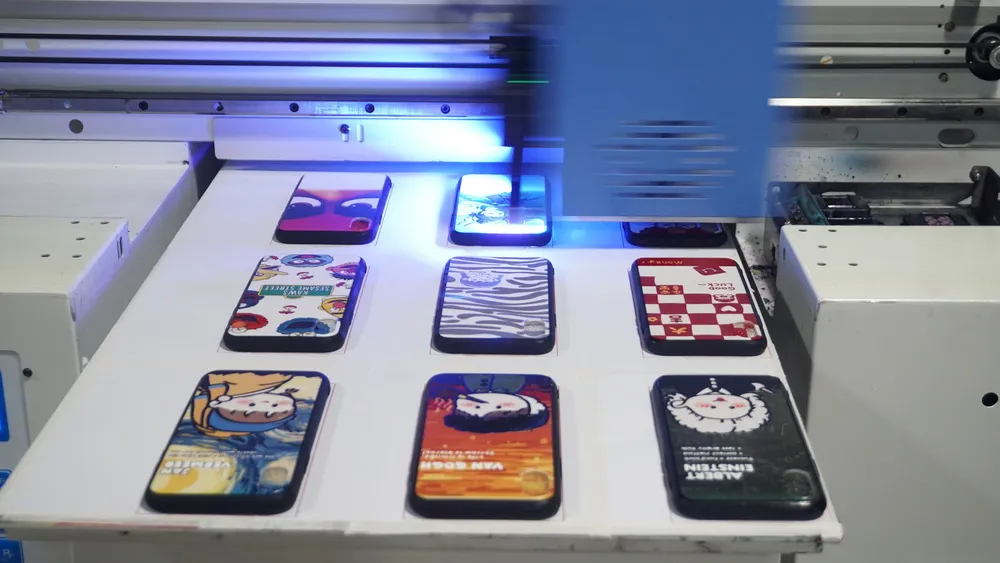
- For UV printers, cover the printhead area with a light-blocking cloth to prevent unintended UV exposure and curing.
Shutdown Procedures During the Holiday—Short vs. Long Term
1. Short Breaks (1–3 Days)
Ideal for weekends or short public holidays.
Printhead moisturizing: Use a printhead-moisturizing function or apply a moisturizing solution on the nozzle plate.
Ink level check: ensure ink bottles, especially white ink, maintain sufficient volume.
Environment: keep the temperature at 15–30°C and humidity at 40–60%.
2. Long Breaks (4 Days or More)
For long holidays like Labor Day or National Day.
1. Complete Ink Path Cleaning
Flush the ink system with cleaning solution until the liquid runs clear.
Refill with printhead moisturizing solution to keep the internal channels wet.
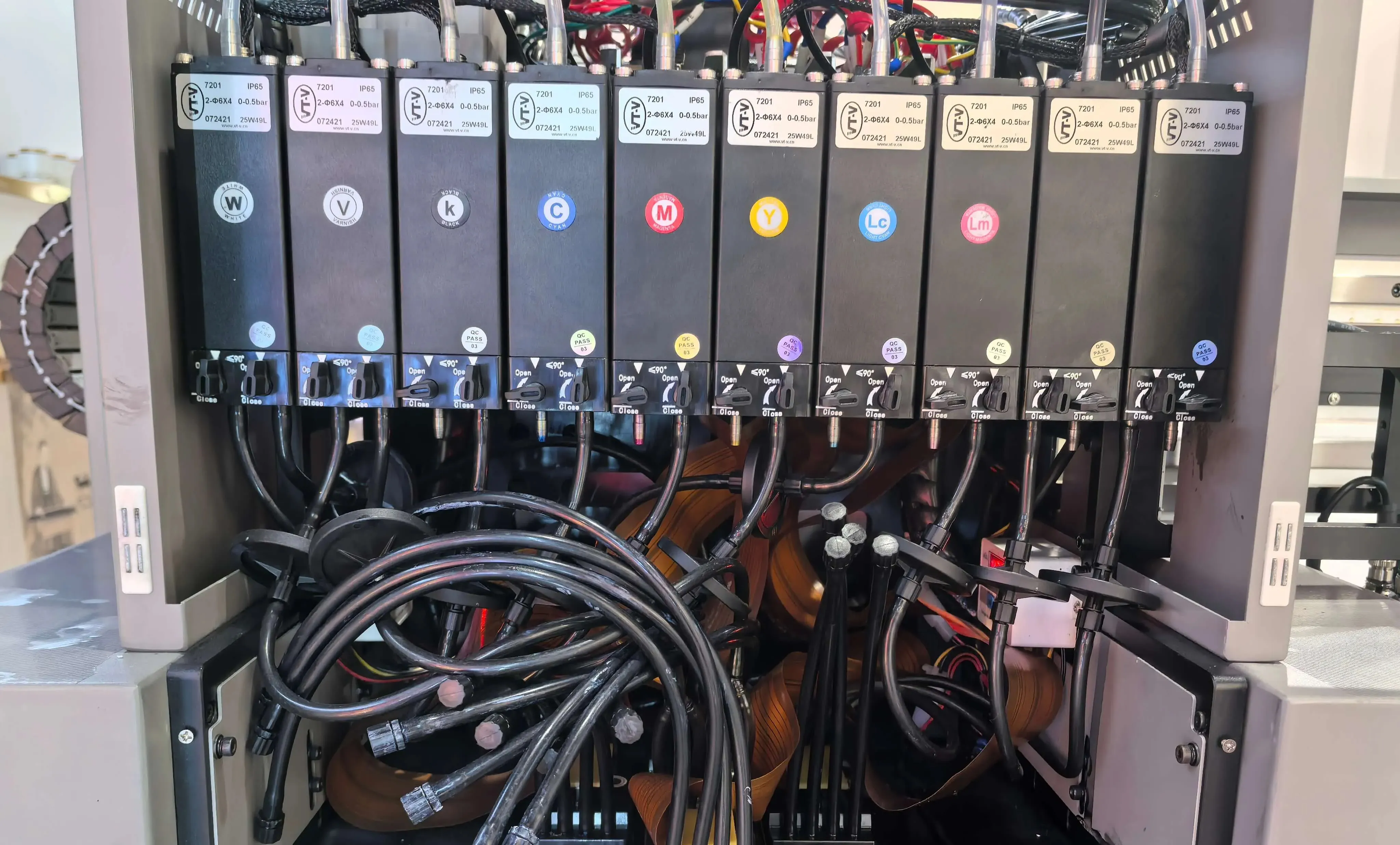
Some models allow removing dampers and draining ink tubes entirely to avoid sedimentation.
2. Seal & Protect
Close all ink valves and fittings tightly to avoid air intrusion.
Cover the printhead and critical ink components with sealed bags or protective films.
Place desiccants to prevent moisture accumulation.
3. Mechanical & Electrical Protection
Apply lubricating oil to rails, bearings, and gears to prevent rust or stiction after a long shutdown.
Inspect cables and connectors for wear or loose contact.
Ensure rodents cannot access the machine.
Post-Holiday Restart—Critical Checks Before Powering On
Do NOT switch on the printer immediately after a long break.
Check the environment and machine condition first to avoid electrical damage or printhead failure.
1. Environment & Safety Inspection
Rodent Damage Check
Look for chewing marks, droppings, broken cables, or insulation damage.
If found, do not power on; contact a technician immediately.
Temperature & Humidity
Temperature: 15–35°C
Humidity: 40–60%
Ensure no condensation or static buildup.
External Cleaning
Wipe dust from the chassis, panel, platen, and rails.
Remove paper scraps, dried ink, or debris from the media path.
2. Printhead & Ink System Inspection
Printhead Surface
Check for dried ink, hardened residue, or crystallization.
If buildup is found, clean gently with approved cleaning fluid (never alcohol).
Ink Bottles & Ink Lines
Confirm ink levels and check for bubbles or back-flow inside tubes.
If bubbles appear, run an ink discharge/priming cycle to remove air.
For white ink systems, shake the bottle thoroughly before use.
Filters & Waste Ink Bottle
Replace filters if clogged or overdue (typically every 2–3 months).
Empty the waste ink bottle to prevent overflow.
3. Electrical & Mechanical Components
Power Cables & Connectors
Check for loose cables, oxidation, or chew marks. Ensure proper grounding.
Guide Rails & Carriage
If rails feel dry or noisy, apply a small amount of lubrication and move the carriage manually to distribute oil.
Belts & Encoder Strip
Belts should maintain proper tension.
If the encoder strip has dust or ink spots, clean gently using a lint-free cloth and purified water.
4. Power-On and Print Testing
Once all checks are passed:
Start the Printer
Power on and observe self-diagnosis.
If any warning or error code appears, shut down and troubleshoot.
Nozzle Check & Cleaning
Run a light cleaning cycle.
Print a nozzle check pattern.
If missing lines persist, run another light or medium cleaning.
Severe clogging may require deep cleaning or professional service.
Print Test Image
Print a standard test chart to verify:
Color accuracy
Media feeding alignment
Carriage positioning stability
Reload ICC profiles if color shifts are detected.
5. Extra Tips for Different Printer Types
UV Printers
Confirm the light-blocking cover remained intact.
Shake and recirculate white ink thoroughly.
Check UV lamp condition and curing intensity.
Water-Based Printers
Perform a soft cleaning first if moisturizing was not done before the holiday.
Sublimation Printers
Check if the heating platen, take-up system, and drying unit operate normally.
DTF Printers
White ink must be fully agitated.
Ensure the powder shaker and curing oven heat evenly.
Common Post-Holiday Issues & Quick Diagnosis
| Symptom | Likely Cause | Recommended Action |
|---|---|---|
| Printer won't power on | Rodent damage, electrical short, power failure | Inspect wiring and grounding, and call a technician |
| Missing lines/ink breaks | Air bubbles, dried nozzles | Purge air, perform light cleaning |
| Color shift/fading | Ink sedimentation, partial clog | Shake ink, clean printhead |
| Carriage noise/shaking | Dry rails, loose belt | Lubricate rails, adjust belt tension |
| Paper skew/jam | Obstructions or dirty rollers | Clean media path |
Summary
Proper maintenance before a shutdown and a structured restart routine after the holiday can drastically reduce printhead wear, ink waste, and unexpected production delays. By following the steps above, your printers can return to stable output immediately after the break.
For ink pumps, dampers, filters, capping stations, printheads, and complete ink supply components, feel free to contact us for professional support and supply options.