
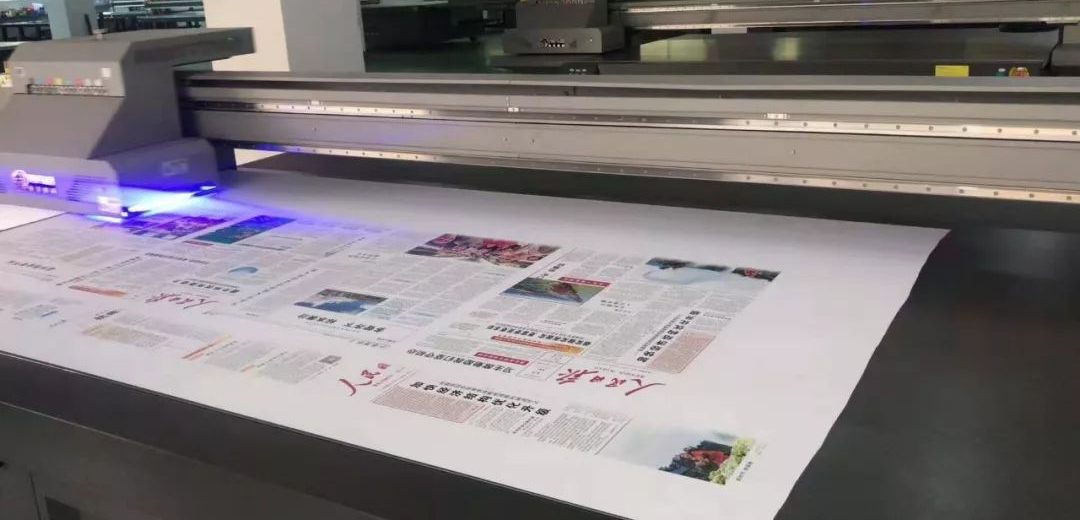
UV printer printheads are the most sophisticated, core, and expensive components. Frequent printhead failure not only affects print quality but also leads to high repair costs. Printhead failures are often not "unexplained" but are closely related to improper operation and maintenance. Three key points can easily damage UV printer printheads. Please remember and avoid them.
Ink Selection and Replacement
1. Do Not Use Low-Quality Ink and Cleaning Fluid
Poor-quality inks contain high levels of impurities and unstable composition, easily causing nozzle blockage. Low-quality cleaning fluids may contain corrosive ingredients that can directly damage the printhead surface and internal structure.
Always use high-quality inks and cleaning fluids specified or certified by the equipment manufacturer.
Using low-quality consumables for the sake of cheapness is a classic example of "pain over gain" and may even result in the manufacturer refusing to cover the warranty.
2. Avoid mixing inks from different batches/manufacturers.
Even within the same brand, ink formulations may vary slightly between batches.
Carelessly mixing inks from different batches, or failing to thoroughly clean the ink before switching between different manufacturers, can lead to ink composition conflicts, resulting in sediment particles that can clog the printheads or alter ink properties, affecting print quality.
3. Thoroughly clean the ink supply system and printheads before changing inks.
Whether switching between different batches or manufacturers, the ink supply system and printheads must be thoroughly cleaned before changing.
The reaction of residual ink with the new ink is a major cause of printhead clogging and damage.
Printhead Cleaning Operation
1. Avoid Violent Cleaning.
Avoid violent cleaning: Printheads are extremely delicate.
Do not use a high-pressure air gun for direct cleaning. The strong airflow can damage the nozzles and delicate internal structures.
Be cautious with forceful suction/injection: For minor clogs, use a manufacturer-recommended ink aspirator (with vacuum function) or gently flush with a syringe and an appropriate amount of cleaning fluid. Exercise extreme caution; excessive force can damage the printhead.
2. Do not soak the printhead.
Cleaning fluid is typically corrosive. Immersing the entire printhead in cleaning fluid will accelerate corrosion of the printhead seals and internal circuitry (if the seal is not good).
The correct method is to use a dedicated tool (such as a syringe or cleaning station) to introduce an appropriate amount of cleaning fluid into the printhead and circulate or allow it to sit for cleaning.
3. Only use qualified cleaning products.
When cleaning the printhead surface or surrounding area, only use manufacturer-recommended or quality-inspected cleaning products (such as dust-free cloths and cleaning fluids).
Using your own, uncertified products (such as ordinary paper towels, alcohol, or unidentified solvents) may contain impurities, fibers, or corrosive components, which may contaminate or abrade the printhead surface.
4. Disconnect the power and protect the circuits during cleaning.
Be sure to turn off the printer and unplug it before cleaning (to completely disconnect the power).
Be extremely careful during cleaning to avoid spilling liquid onto the printhead circuit board, connecting cables, or other internal printer electronic components, which could cause short circuits and burns.
Printhead Disassembly and Adjustment
1. Ensure power is completely off before disassembly or assembly.
Before installing, removing, or adjusting the printhead, be sure to turn off the printer's power switch and disconnect the main power cord (unplug the power cord).
Working with power on can easily cause power surges or short circuits, causing irreversible and fatal damage to the printhead circuit board and other delicate electronic systems.
2. Operate in accordance with regulations and avoid force.
Whether replacing a printhead or making minor adjustments, strictly follow the equipment manufacturer's operating manual.
Use specialized tools and perform gentle, precise movements. Never use force, such as knocking, bending, or forcible adjustments. The printhead and its bracket are delicate structures and can easily deform or become damaged if improperly applied.
UV printer printheads are delicate core components, and their lifespan depends largely on user-friendly operation and maintenance. Avoiding inferior consumables, avoiding any form of rough handling, strictly following power-off procedures, and properly performing ink changes and cleanings are key to protecting the printhead, extending its lifespan, ensuring stable print quality, and reducing operating costs. Only with meticulous care and adherence to regulatory requirements can you maximize the effectiveness of your equipment.


